How TikTok gifts control games on LIVE
How to connect TikTok gifts to a game: what happens between a gift and an in-game action, which LIVE events you can use and how gift mapping works.
 By AmiralFounder, StreamEmber ·
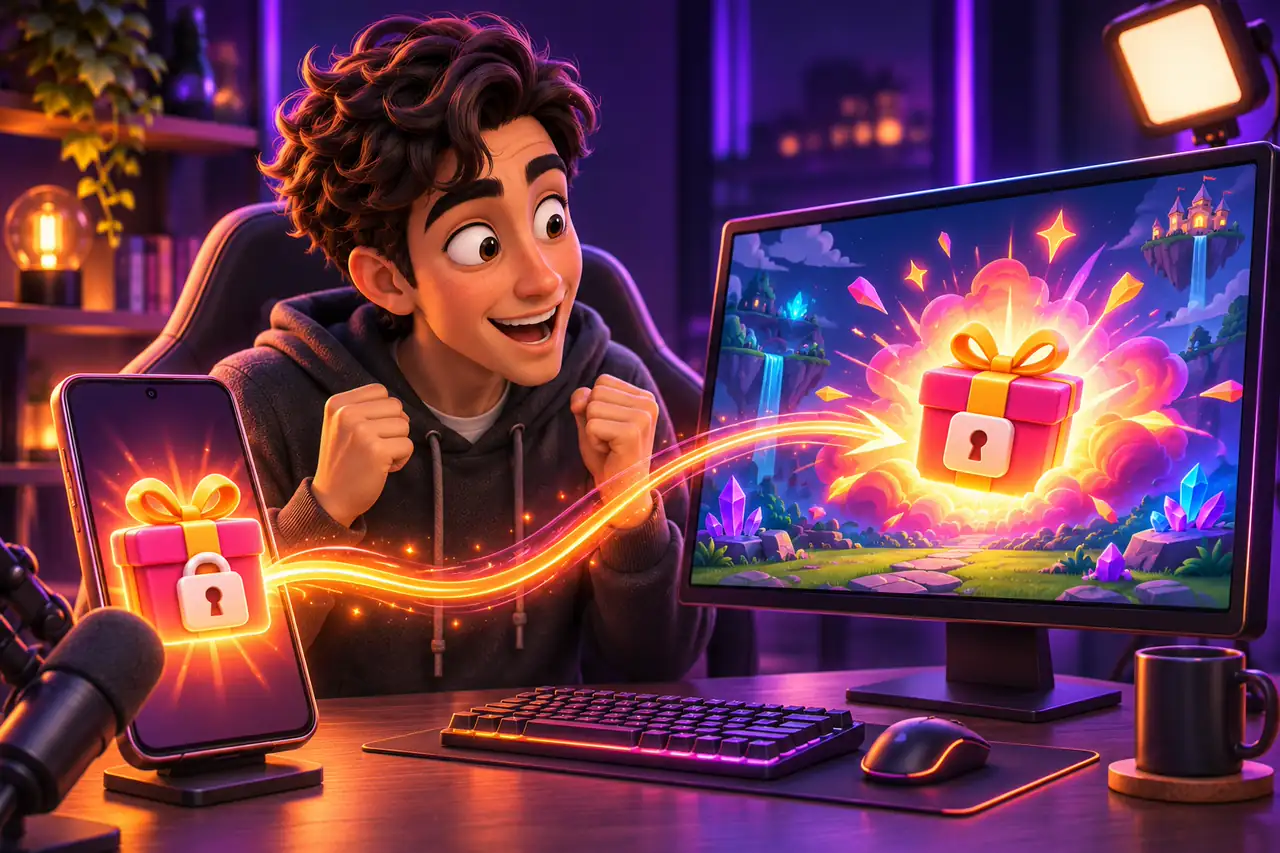
A TikTok gift game is a live stream game that viewers control with LIVE events. When someone sends a gift, likes, follows or comments, StreamEmber reads that public event and triggers the matching action in the game, usually in under a second, with the viewer's name on screen.
What is a game played with TikTok gifts?
Instead of only watching, viewers become part of the game. A small gift might drop an item next to your character; a bigger one might start a storm or send a wave of enemies. You play, react and thank people by name, while the audience decides what happens next.
These games run on your computer and you show them on your LIVE with TikTok LIVE Studio or OBS. You can browse the options on the TikTok LIVE games page. Your viewers do not install anything; they simply use TikTok as usual.
Behind the scenes
How to connect TikTok gifts to a game, step by step
What happens between a viewer tapping Send and the action on your screen.
- 1
A viewer sends a gift
During your LIVE, a viewer picks a gift and taps Send. TikTok deducts the gift's coin value from their balance and the gift appears in your stream.
- 2
StreamEmber reads the public event
The StreamEmber Launcher, connected to your LIVE, receives the event: who sent it, which gift and how many. It never asks for your TikTok password.
- 3
The event is matched to an interaction
The launcher checks the game's interaction list. If the gift is mapped, its rules are applied: cooldown, limits, queue and priority.
- 4
The game runs the action
The action reaches the game and runs, usually in under a second. The viewer's name appears with it, so everyone sees who caused it.
- 5
You and the chat react
You respond on stream, other viewers see what the gift did, and many want to try the next one. That loop is what makes gift games fun.
Event types you can connect to a game
Gifts are the most common trigger, but not the only one.
| Event | What the viewer does | Typical use in a game |
|---|---|---|
| Gift | Sends a gift with a set coin value | Actions that grow with the gift's value |
| Like | Taps the screen | Counted together, e.g. one action every 100 likes |
| Follow | Follows your account | A short welcome effect |
| Share | Shares your LIVE | A small bonus for spreading the stream |
| Comment | Writes in the chat | Joining a team with a keyword |
| Join | Enters the LIVE | A greeting on screen |
What is gift mapping?
Gift mapping is the list that says which event triggers which action. In the StreamEmber Launcher every game has its own list on the Interactions tab of the game's settings. Each interaction connects one event to one action. A typical setup looks like this:
- Rose (1 coin) → a small item drops into the arena
- Finger Heart (5 coins) → the player heals a little
- Doughnut (30 coins) → a group of helpers arrives
- Galaxy (1,000 coins) → a big event that changes the round
- Every 100 likes → a short power-up
Every game comes with ready-made mappings, so you can go live right away. You can change any of them, remove the ones you do not like or add new ones. Each interaction can also have rules:
- Cooldown: how long before the same action can run again.
- Queue and priority: actions in the same queue run in order; lower priority values run first.
- Trigger when accumulated: run once when likes or coins reach a threshold.
- Limits: a maximum per viewer or per stream.
So viewers know what to send, the launcher can also create an interaction image: a transparent picture for your stream showing what each gift does. Learn more on the gift mapping feature page, check coin values in the TikTok gift list, and pick the right gift for each action with TikTok gift mapping strategy: which gift for which action.
TikTok gift games: frequently asked questions
Do viewers need to install anything to play?
No. Viewers use TikTok as usual and send gifts, likes or comments. Only the streamer runs the StreamEmber Launcher and the game on a Windows PC.
How fast does a gift reach the game?
Usually in under a second. Rules you set, such as a delay or a queue, can make an action wait on purpose.
Is it safe to connect my TikTok account?
StreamEmber only reads the public events of your LIVE, the same ones every viewer can see. It never asks for your TikTok password.
Can I change which gift does what?
Yes. Every game comes with ready-made mappings, and you can edit, remove or add interactions in the launcher at any time.
Do gift games work on YouTube and Twitch too?
Yes. YouTube Live and Twitch events can be mapped to game actions in the same way; Kick and Facebook are in beta.

Try gift-controlled games on your next LIVE
Download the free StreamEmber Launcher for Windows. New accounts get 3 days of Premium to try every game.