For TikTok LIVE, YouTube and Twitch
TikTok LIVE interactive games your viewers control
Turn gifts, likes, follows and comments into in-game actions. StreamEmber links your stream to games that react in under a second, and installs everything with one click on your Windows PC.
What are TikTok LIVE interactive games?
TikTok LIVE interactive games are games your viewers control during a live stream: every gift, like, follow or comment they send triggers an action on screen, such as spawning an enemy, boosting a team or starting a new round. You play or host, and your audience decides what happens next.
Instead of watching passively, viewers become players. That changes the rhythm of a stream: people stay to see what their action did, the chat gets busier and gifts have a visible purpose. Each action appears with the viewer's name, so whoever sent it gets credit in front of everyone.
StreamEmber brings these games to your stream through the free StreamEmber Launcher for Windows. It reads the public events of your TikTok LIVE, YouTube Live or Twitch stream and passes them to the game. Every game ships with ready-made mappings, and you decide which event does what. To see which gifts exist and how many coins they cost, check the TikTok gift list.
How it works
How TikTok LIVE interactive games work
Three things happen between a viewer's tap and the reaction on your stream, usually in less than a second.
- 1
Viewers send gifts, likes and comments
Your audience interacts the way they already do on TikTok LIVE: sending a gift, tapping like, following or typing in chat. Viewers do not need to install anything.
- 2
StreamEmber maps the event to an action
The launcher receives the public event and looks up its mapping: this gift spawns a boss, that comment puts the viewer on a team. You can edit, add or remove mappings in the launcher.
- 3
The game reacts instantly
The action runs in the game with the viewer's name on screen. Everyone watching sees who caused it, which encourages the next viewer to join in.
Interactive games you can stream today
This list updates automatically as new games and mods are added. Open any game to see how it works.
Our games
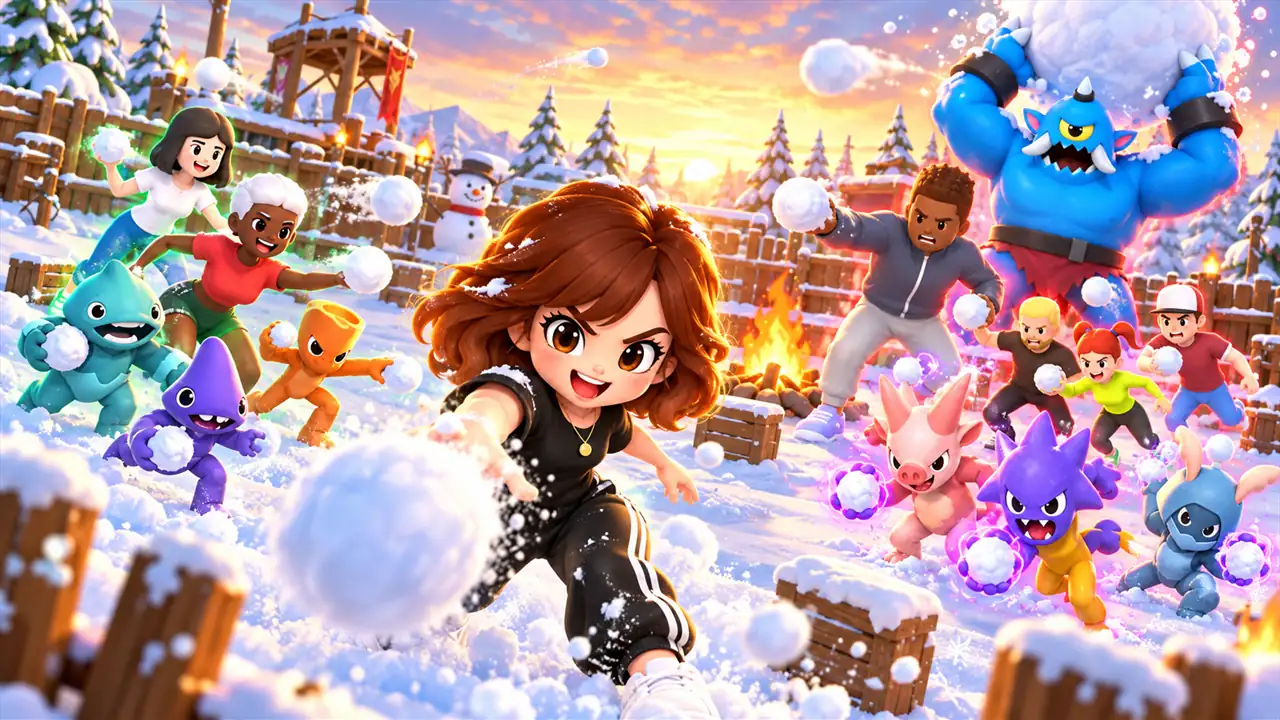
Snowball Fight: StreamEmber
A cute snowball battle your viewers join with gifts — on phone and PC.
Beyblade Arena
Spinning tops, chaos physics, viewer power-ups.
Bilgi Yarışması
A live quiz your viewers answer in chat.
Kadin VS Erkek
Two teams push the wall. Which side wins tonight?
Kale Savaşı
Defend your castle — or storm theirs.
Şanslı Dart
Every gift is a throw at the lucky board.
Game Cube
A cube full of mini-games your viewers roll.
Takım Bilardo
Team pool where the chat takes the shots.
Taraftar Ball
Fans of two clubs fight for the ball.
Block Stack
Block Stack: the live-stream game your viewers control with gifts.
Clash Of Vikings
Clash Of Vikings: the live-stream game your viewers control with gifts.
Country Wars
Viewers fight for their country on a live map.
Hill Rush
Hill Rush: the live-stream game your viewers control with gifts.
Ice Box
Ice Box: the live-stream game your viewers control with gifts.
Meat Big Dash
Meat Big Dash: the live-stream game your viewers control with gifts.
Plinko
Plinko: the live-stream game your viewers control with gifts.
Sand Tetris
Sand Tetris: the live-stream game your viewers control with gifts.
Snake Game
Snake Game: the live-stream game your viewers control with gifts.
Team Car
Team Car: the live-stream game your viewers control with gifts.
Minecraft mods

Spiral Climb
Climb the tower — your chat decides if you fall.
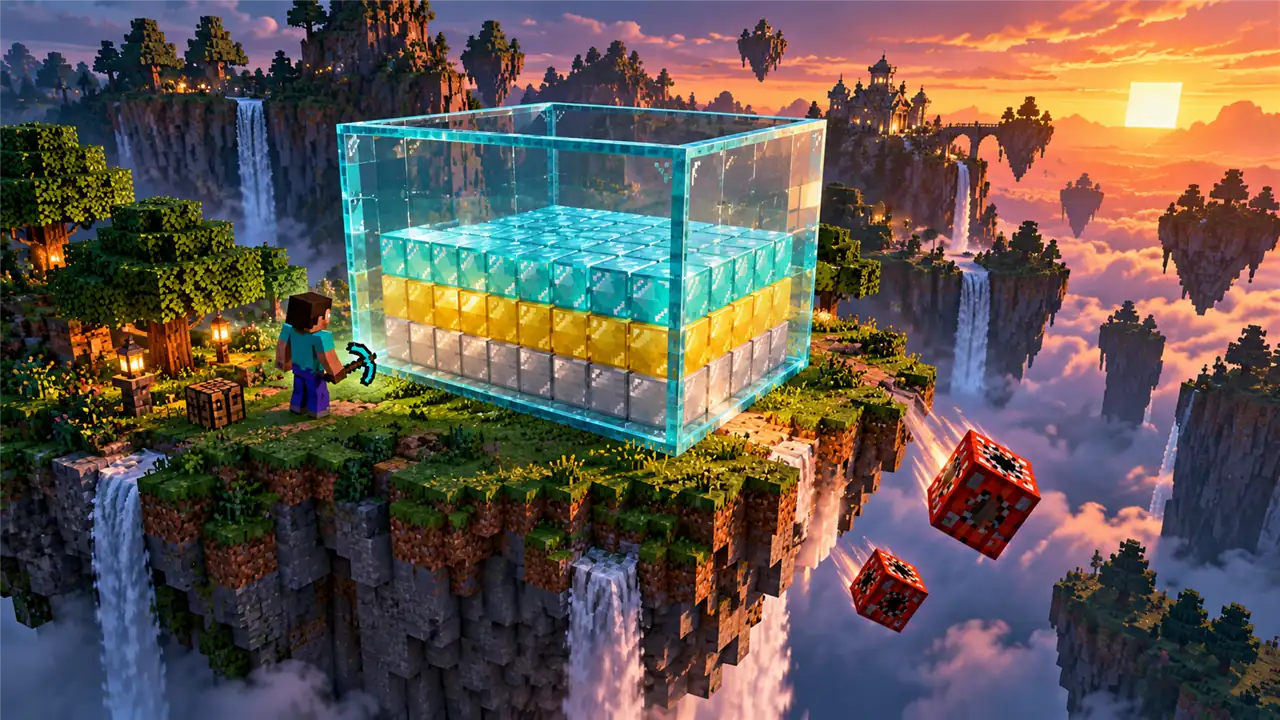
Block Fill
Block Fill: the live-stream game your viewers control with gifts.
Crowd Clash
Your viewers become the army.
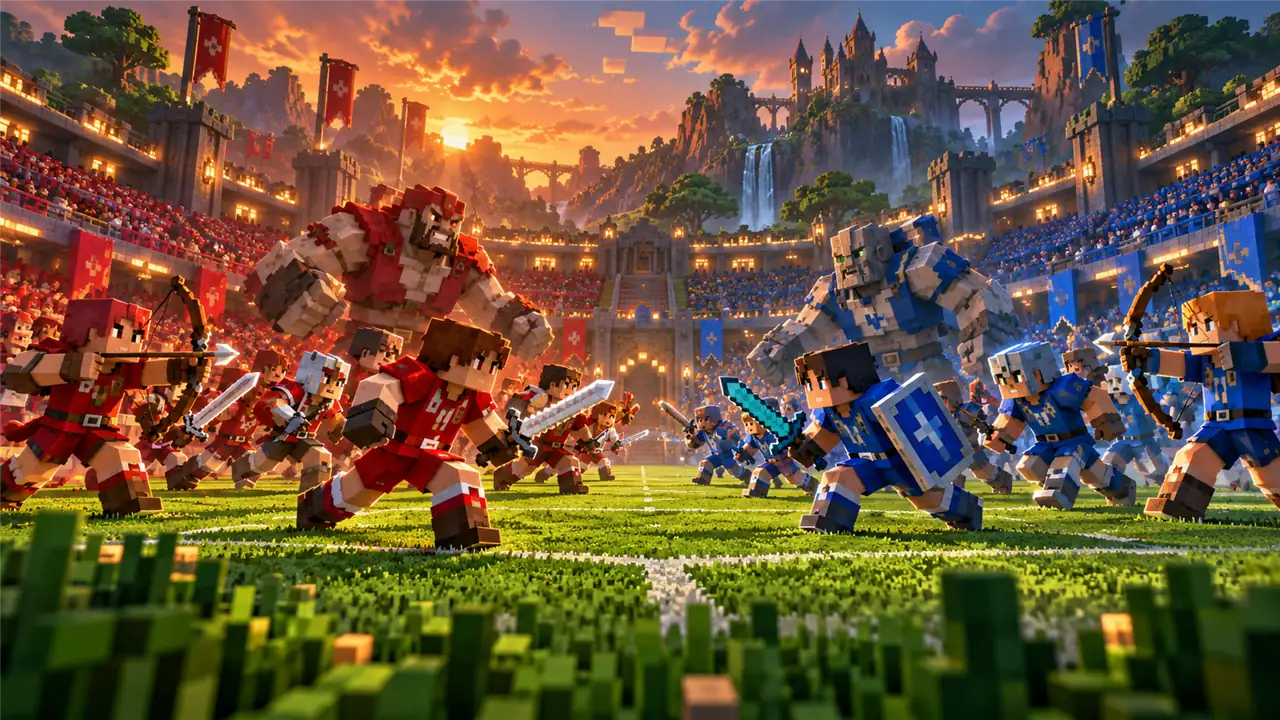
Fan Fight
Fan Fight: the live-stream game your viewers control with gifts.
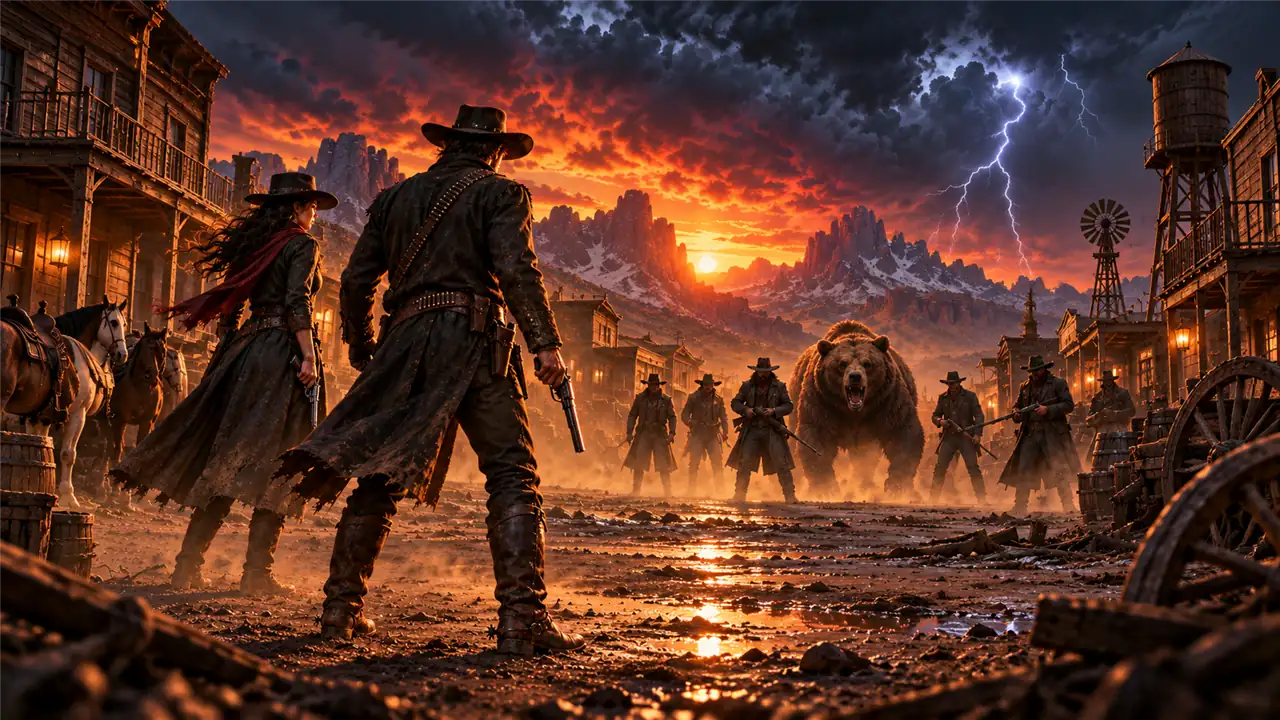
Red Dead Redemption 2 mods




Game types
Types of interactive games for TikTok LIVE
Different formats suit different streams. Pick the one that matches your audience and how much you want to play yourself.
Team battles
Viewers pick a side in chat and send gifts to push their team forward. A strong fit for big audiences, because every viewer has a reason to choose and support.
Races and obstacle courses
Gifts and likes speed up racers, add obstacles or send players back to the start. Short rounds keep the energy high and give new viewers an easy way in.
Quiz and trivia games
Viewers answer in chat and climb a leaderboard. A calmer format that works well for educational or talk-focused streams.
Map and country battles
Viewers fight for their country or region on a shared map. Works especially well with international audiences who like to represent home.
GTA 5 mods
Viewers spawn vehicles, enemies and chaos in GTA 5 story mode. Mods run in single-player only and need your own copy of the game.
Red Dead Redemption 2 mods
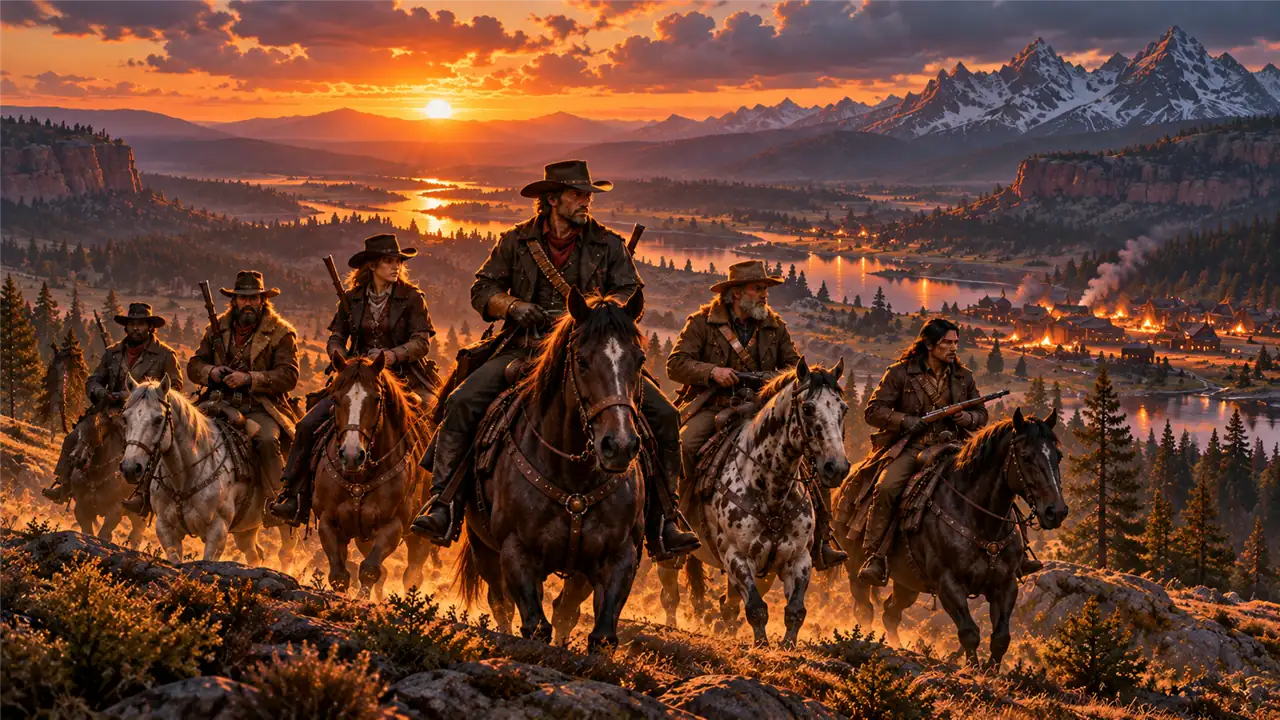
Gifts trigger events in RDR2 story mode, such as ambushes and other surprises. Single-player only; you need your own copy of the game.
Minecraft mods
Gifts spawn mobs, drop items or change the world in Minecraft Java Edition. The launcher installs Fabric and the mod for you.
Games you can run from your phone
Some of our games also run on Android, so you can host an interactive stream without a PC.
Which event does what?
A typical setup scales the effect with the value of the event. These are general examples: every game ships with its own mappings, and you can change each one.
| Event | Example | Typical effect in the game |
|---|---|---|
| Small gift | Rose (1 coin) | Small effect: one enemy, a coin or a short boost |
| Mid-range gift | Gifts worth tens of coins | Power-up: shield, extra life or a stronger unit |
| Expensive gift | Gifts worth hundreds or thousands of coins | Big event: boss fight, explosion or a twist that changes the round |
| Like | Tapping the screen | Progress or energy: fills a bar or moves a racer forward |
| Follow | A new follower | Joining: the viewer enters the game as a character |
| Comment | A word or number in chat | Team choice or command: join a side, answer or vote |
| Share | Sharing the LIVE | Bonus: extra time or a reward for the whole team |
What do you need to stream interactive games on TikTok LIVE?
The setup is short, and most streamers are ready in a few minutes:
- A Windows 10 or 11 (64-bit) PC. The StreamEmber Launcher runs on Windows only.
- TikTok LIVE Studio or OBS. Capture the game window in LIVE Studio, or stream from OBS with a stream key.
- LIVE access on your TikTok account. TikTok sets the requirements, such as a minimum age, and may change them by region. See TikTok's LIVE help page.
- The StreamEmber Launcher. Download it for free, sign in, choose a game and install it with one click. Games, mods and their components update themselves.
Then connect your stream in the launcher and start the game; it begins reacting to your LIVE right away. For a full walkthrough, follow our guide to your first interactive stream.
Can you play TikTok LIVE games on your phone?
Yes, with some games. A few of our interactive games also run on Android phones, so you can host a game straight from your phone without a PC or streaming software. The idea stays the same: viewers send gifts, likes and comments, and the game reacts on screen.
GTA 5, Red Dead Redemption 2 and Minecraft mods need a Windows PC, because those games run there. Browse the interactive games to find the ones that fit your setup.
TikTok LIVE interactive games: frequently asked questions
Are StreamEmber's TikTok LIVE games free?
Your account and the launcher are free. Games are part of Premium: every new account gets 3 days of Premium free, after that Premium costs 30 USD for 30 days and you can cancel anytime.
Can interactive games get me banned on TikTok?
StreamEmber only reads the public events of your stream and does not control your TikTok account. Your stream still has to follow TikTok's Community Guidelines. Use GTA 5 and RDR2 mods only in story mode, never in GTA Online or Red Dead Online.
Do I need OBS?
No. You can capture the game directly in TikTok LIVE Studio. OBS works too if you stream with a stream key.
Does it work with TikTok LIVE Studio?
Yes. Capture the game window in LIVE Studio. StreamEmber overlays such as goal bars and leaderboards also work there as browser sources.
Do my viewers need to download anything?
No. Viewers play through TikTok as usual, with gifts, likes, follows and comments. Only the streamer installs the launcher.
Which platforms are supported?
TikTok LIVE, YouTube Live and Twitch; Kick and Facebook are in beta. On YouTube, Super Chats, Super Stickers and memberships can trigger actions; on Twitch, bits and subscriptions.
Does StreamEmber work on Mac?
No. The launcher is a Windows 10/11 64-bit app and there is no Mac or Linux version. Some of our games run on Android phones instead.
Do I need a powerful PC?
For our own games, a typical streaming PC is enough. For GTA 5, RDR2 and Minecraft mods, your PC needs to meet that game's own requirements while you stream.
Can I change which gift does what?
Yes. Every game comes with ready-made mappings, and in the launcher you can link any gift, like, follow or comment to any action, or add and remove mappings.
Do you need my TikTok password?
No. StreamEmber never asks for your TikTok password. It only reads the public events of your LIVE.
Do I have to join the agency to use StreamEmber?
No. Anyone can use the launcher and the games. Joining the StreamEmber agency is optional and adds coaching, reward campaigns and free Premium.
How fast do actions show up in the game?
Usually in under a second after a viewer sends a gift, like or comment, with the viewer's name shown on screen.

Start your first interactive TikTok LIVE
Download the free StreamEmber Launcher, try every game with 3 days of Premium and let your viewers take control.