How to get more viewers on TikTok LIVE: a practical guide
How to get more viewers on TikTok LIVE: best time to go live, title, first 30 seconds, interactive games, live translation, clips and agency coaching.
 By AmiralFounder, StreamEmber ·
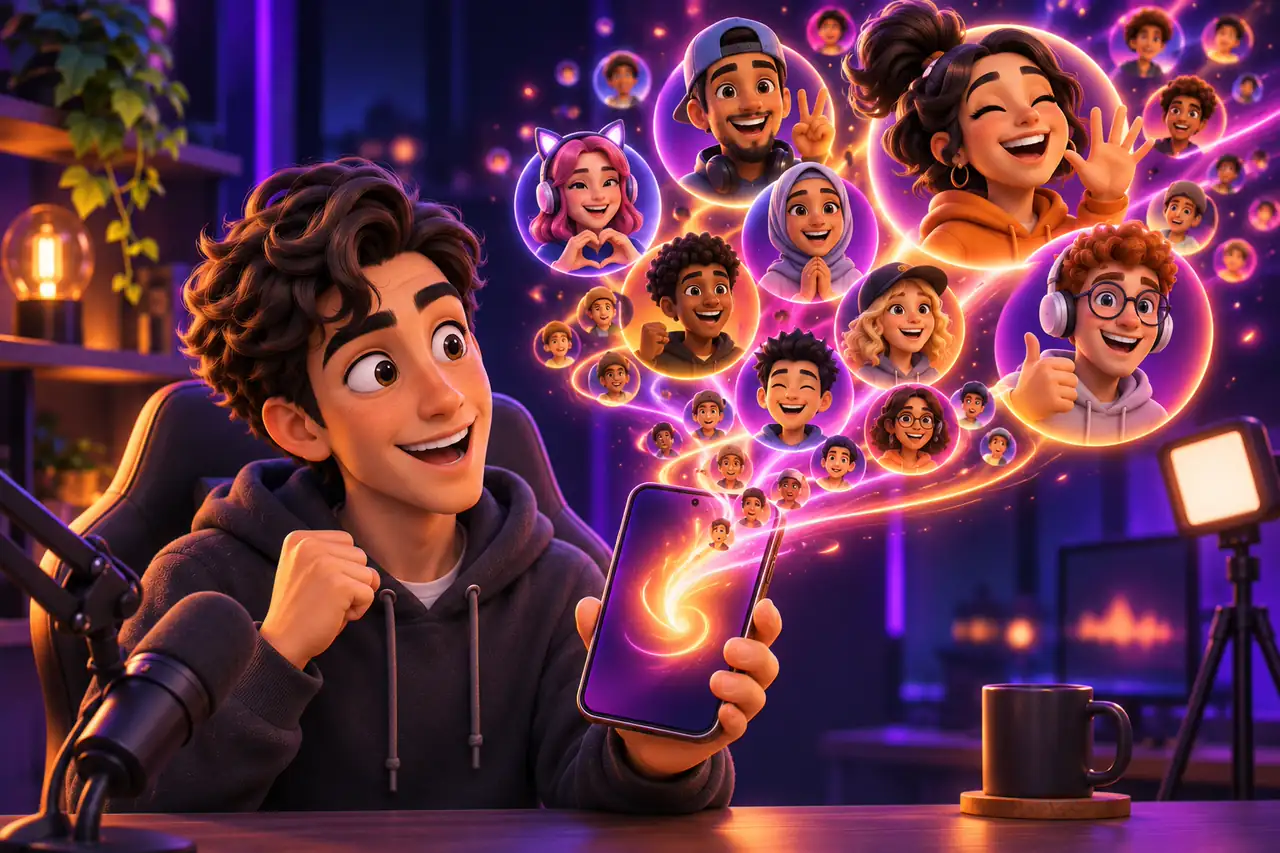
To get more viewers on TikTok LIVE, go live when your followers are online, use a title that says what viewers can do, hook people in the first 30 seconds and give them a reason to stay. Viewers who stay and take part keep the room lively, and short clips afterwards bring new people to your next stream.
This guide walks through each step, plus two levers many creators skip: live translation for viewers abroad and coaching from a TikTok LIVE agency.
Before you start: who can go LIVE on TikTok
According to TikTok's What is TikTok LIVE? help page, you must be at least 18 to go LIVE and have 1,000 followers, and the follower requirement may vary by region. TikTok's Community Guidelines add that if a creator repeatedly falls short of For You feed standards, TikTok may restrict the visibility of their LIVE sessions. Following the rules is part of growing your reach.
Pick the best time to go live on TikTok
There is no single best time for everyone. Go live when your own followers are awake and free: look at your video analytics and note which of your past LIVEs drew the most people. Then stick to a fixed schedule so regulars can plan around it, and stay live long enough for people scrolling past to find you.
Write a LIVE title that says what viewers can do
Before you tap Go LIVE, TikTok lets you add a title. Make it concrete: say what is happening and how people can join, for example “You control the game with comments and gifts”. Keep your camera or game view bright and moving so your LIVE looks alive in the feed. Stay honest; a title that promises something that never happens makes people leave.
Hook viewers in the first 30 seconds
- Greet new arrivals by name as they join.
- Say in one sentence what is happening right now.
- Show how to take part: comment, like, follow or send a gift.
- Keep the action going and avoid dead air or a static screen.
- Ask a simple question people can answer in the chat.
Keep viewers watching with interactive games
Viewers stay when they have a role. In interactive TikTok LIVE games, comments, likes, follows, shares and gifts trigger actions on screen with the viewer's name, so even a first-time visitor can join with one tap. Add a welcome screen, an event feed or a goal bar from our stream overlays so newcomers see at once that the room is active.
Stay in charge of the show. TikTok's LIVE Monetization Guidelines say passive, repetitive or unattended content may be ineligible for monetization, and that some of the same considerations may be used to assess For You feed eligibility. A game is your stage; you are still the host.
Reach viewers in other countries with live translation
TikTok LIVE is global, so viewers from other countries can drop in at any time. With live translation, incoming comments are translated into your language instantly so you can answer everyone, and text-to-speech can read messages aloud in 14 languages. TikTok's Community Guidelines note that creators are responsible for what third-party tools such as real-time translation or voice-to-text show or read out, so keep your moderation settings on.
Turn every LIVE into clips and short videos
- Post a short video a few hours before you go live with the time and what is planned.
- Record your stream and cut the funniest or most surprising moments into short clips.
- Post clips regularly so new people discover you between streams.
- Mention your next LIVE time at the end of each clip.
TikTok LIVE growth checklist
- Go live at a fixed time when your followers are online.
- Use a concrete title that says what viewers can do.
- Greet, explain and start the action in the first 30 seconds.
- Give everyone a role with an interactive game.
- Turn on live translation for international viewers.
- Post clips before and after each LIVE.
- Review your results and change one thing at a time.
Get coaching from a TikTok LIVE agency
StreamEmber is also a TikTok LIVE agency, active in Türkiye, Vietnam and Taiwan. Creators in our agency get coaching on schedule, content and growth, agency-only reward campaigns and free Premium, and we don't charge creators a fee. Joining is optional; the launcher works without an agency. New to interactive streams? Start with your first interactive stream in 5 minutes.
Frequently asked questions
What is the best time to go live on TikTok?
There is no single best time for everyone. Go live when your own followers are most active, which you can see from your past LIVEs and analytics, and keep a regular schedule.
How many followers do you need to go live on TikTok?
TikTok's help center says you need to be at least 18 and have 1,000 followers to go LIVE, and the follower requirement may vary by region. Check the app for your account.
Why do viewers leave my TikTok LIVE so quickly?
Usually because nothing tells them what is happening or how to join. Greet people, explain the stream in one sentence and give them something to do, such as an interactive game.
Can I get viewers from other countries?
Yes. With live translation, comments in other languages are translated into yours instantly, so you can talk to international viewers. Keep moderation on, since you are responsible for what such tools display.
Do I have to join an agency to grow on TikTok LIVE?
No. The launcher works without an agency. Our agency offers coaching, reward campaigns and free Premium for creators who want extra support, but no agency can guarantee growth.

Give every viewer a role
Download the free StreamEmber launcher for Windows and keep viewers engaged with interactive games, overlays and live translation.