How to Go LIVE on TikTok Without Showing Your Face
How to go LIVE on TikTok without showing your face: stream a game, let viewers play with gifts, and use voice, text-to-speech, translation and overlays.
 By StreamEmber TeamCreator success ·
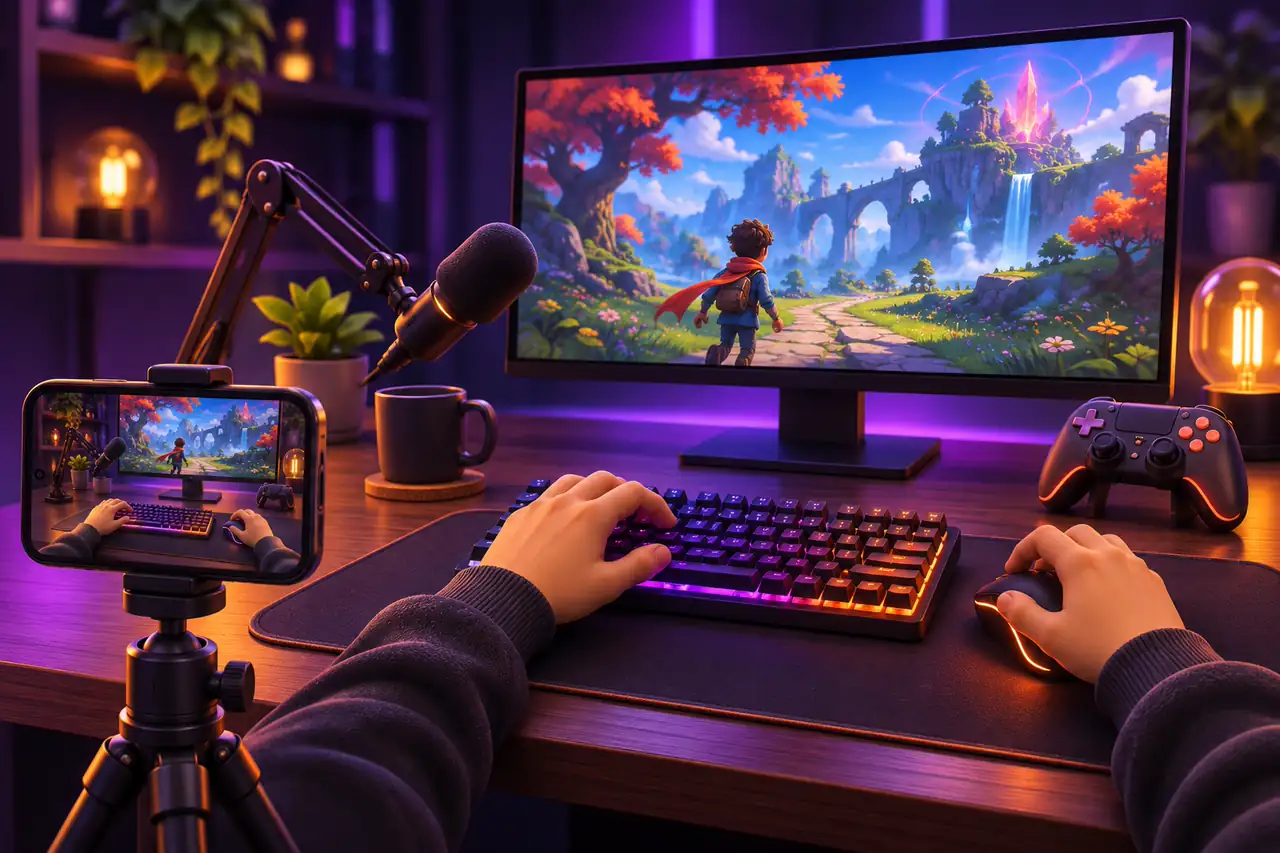
Yes, you can go LIVE on TikTok without showing your face. Stream a game instead of your camera, let viewers control it with gifts and comments, and interact with your voice — or with text-to-speech and overlays if you'd rather not talk. What matters is real interaction: TikTok limits the reach of static, repetitive streams.
Can you go live on TikTok without showing your face?
TikTok's rules don't require a face camera. In the LIVE Gaming section of its Community Guidelines, TikTok says eligible creators can use LIVE Studio or third-party tools to share their screen and showcase gameplay. What the rules target are streams that feel empty: repeated or prolonged actions without clear objectives or direct interaction, unoriginal content without new edits, and black, blank or blurred screens are all listed as ineligible for the For You feed. A faceless stream works when the screen is lively and you respond to viewers.
Faceless TikTok LIVE ideas that work
- Interactive games: viewers send gifts, likes or comments and something happens in the game, with their name on screen. See TikTok LIVE interactive games.
- Modded GTA 5, RDR2 or Minecraft: chat can spawn enemies or trigger events while you play in story mode.
- Voice-only commentary: react, explain and thank viewers by name through your microphone.
- Text-to-speech conversations: if you don't want to talk, let TTS read comments and gift messages aloud and reply in the LIVE chat.
How to set up a faceless TikTok LIVE
- 1
Install the launcher
Download the free StreamEmber Launcher for Windows 10/11 and create your account.
- 2
Pick a game
Choose an interactive game or a GTA 5, RDR2 or Minecraft mod. Games need Premium; new accounts get 3 days of Premium free.
- 3
Connect your LIVE
Link your TikTok LIVE in the launcher so gifts, likes and comments reach the game.
- 4
Add overlays
Add widgets such as a goal bar, top gifters or an event feed as browser sources in TikTok LIVE Studio or OBS.
- 5
Turn on TTS and translation
Let text-to-speech read comments aloud and translate incoming comments into your language.
- 6
Check your audio
Set up your microphone if you want to talk, balance the game sound and test everything before going live.
- 7
Go LIVE
Start streaming from TikTok LIVE Studio or OBS; OBS needs a stream key.
Voice and microphone: do you have to talk?
No, but talking helps. A voice that reacts to what happens keeps the stream interactive, which is exactly what TikTok's rules reward. If you'd rather not speak, text-to-speech reads comments and gift messages aloud in natural voices in 14 languages, and live translation turns incoming comments into your language so you can follow viewers from other countries. Keep game sound below your voice or the TTS voice so both are easy to hear.
Overlays that replace the face cam
Without a camera, overlays carry the personality of your stream. StreamEmber overlays are browser-source widgets for OBS and TikTok LIVE Studio: a goal bar, top gifters and likers, alerts, a welcome screen, an event feed, gift battles and PK widgets. They show every viewer that their actions count.
Faceless streams still follow TikTok LIVE rules
You are responsible for everything in your LIVE, including third-party tools — TikTok specifically names voice-to-text, real-time translation and on-screen comment displays. If text-to-speech reads out a harmful comment, it counts against you, so watch the chat, use moderators and remove offensive messages. You must also be 18 or older to go LIVE. Read our guide to TikTok LIVE rules for interactive games before your first stream.
Faceless TikTok LIVE: FAQ
Can you go LIVE on TikTok without a camera?
Yes. You can stream gameplay from TikTok LIVE Studio or OBS instead of a camera. Keep the stream interactive, because static or repetitive streams get less reach.
Will TikTok restrict a faceless LIVE?
Not for being faceless. TikTok limits streams with black or blank screens, unoriginal content or no interaction, so keep the screen active and respond to viewers.
Do I have to talk during a faceless stream?
It helps but isn't required. Text-to-speech can read comments and gift messages aloud, and live translation helps you follow viewers in other languages.
What do I need for a faceless TikTok LIVE?
A Windows 10/11 PC, the StreamEmber Launcher, TikTok LIVE Studio or OBS with a stream key, and optionally a microphone.
Is StreamEmber free for faceless streaming?
The account and launcher are free, with daily limits on TTS and translation. Games need Premium (30 USD for 30 days), and new accounts get 3 days of Premium free.

Start your faceless TikTok LIVE
Download the StreamEmber Launcher, pick a game and let your viewers drive the show.