TikTok PK battles (LIVE Match): how they work and how to win
How to start a TikTok PK battle (LIVE Match), how scores are counted and how to win: formats, the victory lap, MVP supporters and safe PK tips for creators.
 By AmiralFounder, StreamEmber ·
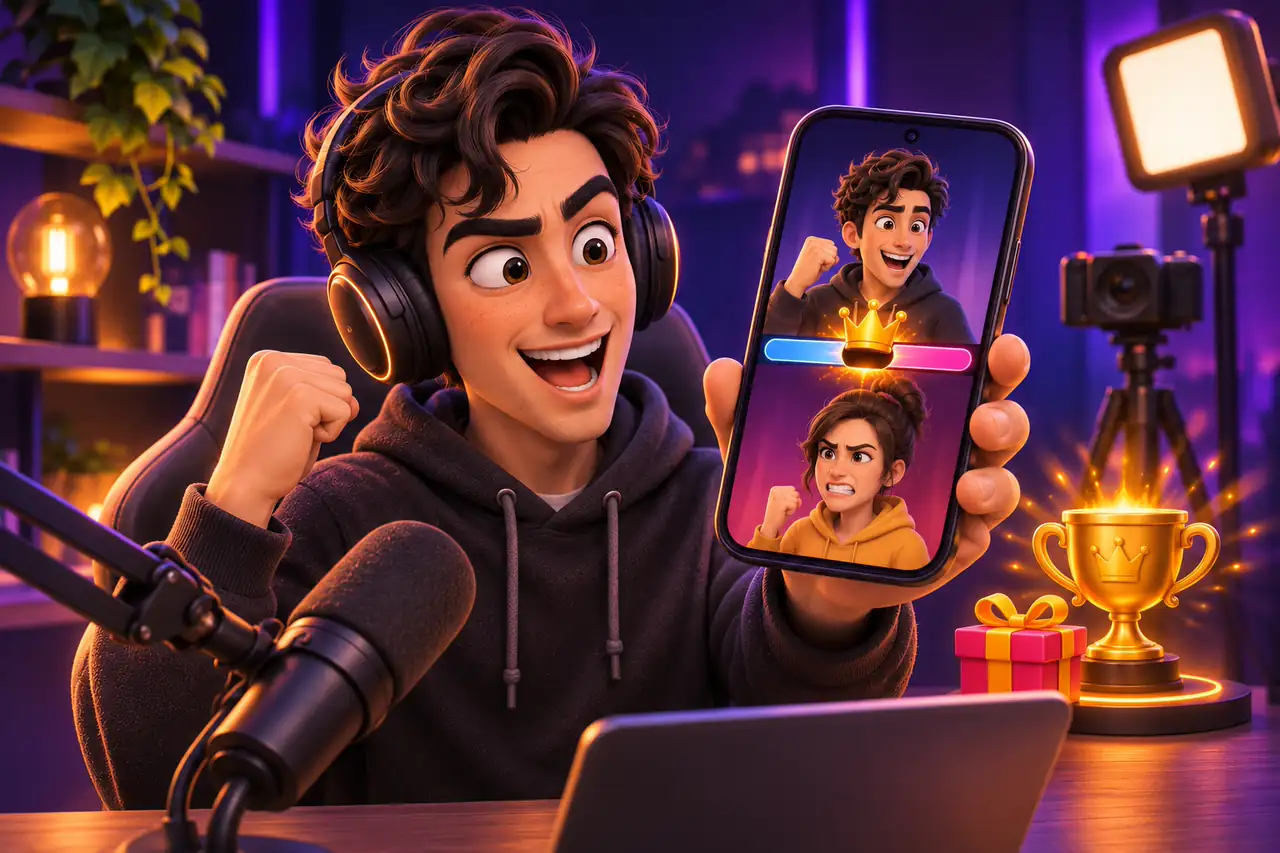
Short answer: a PK, or LIVE Match, is a live duel in which two or more creators split the screen and compete on gift points for a short time. Whoever has the most points when time runs out wins. Winning takes a good choice of opponent, a prepared community and the right timing.
This guide explains how PK works, how to start one and how to win within the rules. Durations and modes may differ by region and app version, and TikTok updates the feature from time to time.
How PK works
Two creators connect in a co-host stream and one of them starts a match. A two-sided score bar appears at the top of the screen. The coin value of gifts sent by viewers is added to each creator's score; in some modes likes also count. When time is up, the winner is announced and a short victory lap begins, during which the winning side can give the other a fun task.
Throughout the match, the viewers who contribute most appear at the top of the supporter list, and the biggest supporter is highlighted. That visibility makes PK a separate source of motivation for viewers.
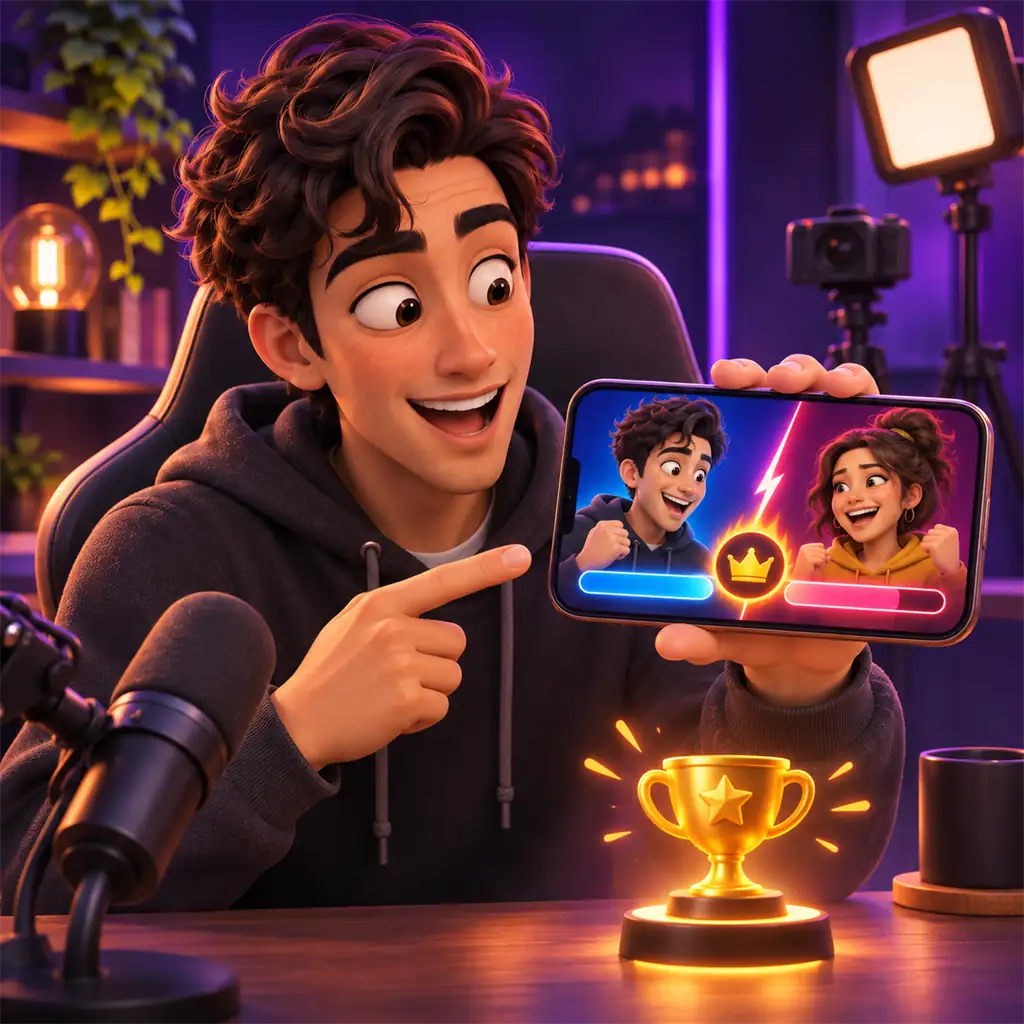
| Format | How it works | Good for |
|---|---|---|
| 1v1 match | Two creators face each other directly. | Creators at any level; the most common format. |
| 2v2 match | Two teams combine their points to compete. | Creators building a shared community with friends. |
| Multi-player match | Up to four creators each compete for themselves. | Busy, entertaining streams. |
| Designated-gift match | Only the chosen gifts count; likes do not. | When you want new viewers to join in with a low-value gift. |
How to start a PK
Button positions may differ slightly by app version.
- 1
Go LIVE
Start your stream and give the room a few minutes to warm up.
- 2
Invite an opponent
Use the match or co-host button in the bottom menu to invite a friend or a suggested creator.
- 3
Choose a mode
Once connected, choose the format and, if you like, a designated gift, then start the match.
- 4
Run the victory lap
When the match ends, celebrate the winner, thank supporters and close the lap with a fun but safe task.
How to win a PK
- Pick the right opponent: match with creators of a similar audience size; a much stronger rival wears your community out and a much weaker one creates no excitement.
- Announce the match: share your PK time in advance with a short video or at the end of a stream so loyal fans arrive ready.
- Give the room a reason: explain in a fun way why the match matters and what you will do if you win.
- Use timing: support often peaks in the last minute. Saving the community's energy for the final seconds can change the result.
- See your supporters: name every contribution. Thanking your biggest supporter motivates others too.
- Do not chain matches: too many PKs tire viewers. Mix in chat, games or performances.
- Handle losing well: smile and thank supporters when you lose. A creator who loses gracefully gets more support next time.
PK battles: frequently asked questions
How long does a PK last?
The competition part usually lasts a few minutes, followed by a short victory lap. The exact time depends on mode and region.
Who gets the gifts sent during a PK?
Each viewer sends a gift to one creator and it becomes that creator's diamonds. Losing does not take away the gifts you received.
Do likes count towards the score?
In some modes, yes. In a designated-gift match, only the chosen gifts count.
Can new creators do PK?
Most creators who can go LIVE also have co-host and match. For access, see How to Get TikTok LIVE Access: Requirements and LIVE Studio.
What if my opponent breaks the rules?
You are responsible for everything visible in your frame. If things get risky, disconnect right away.

Win PKs safely
Read our guide to getting more gifts on LIVE, or join our agency for PK support.