TikTok LIVE begging violation: what to avoid when asking for gifts
What counts as begging on TikTok LIVE, which phrases and behaviors trigger gift bans, and how to ask for support the rule-friendly way with clear examples.
 By AmiralFounder, StreamEmber ·
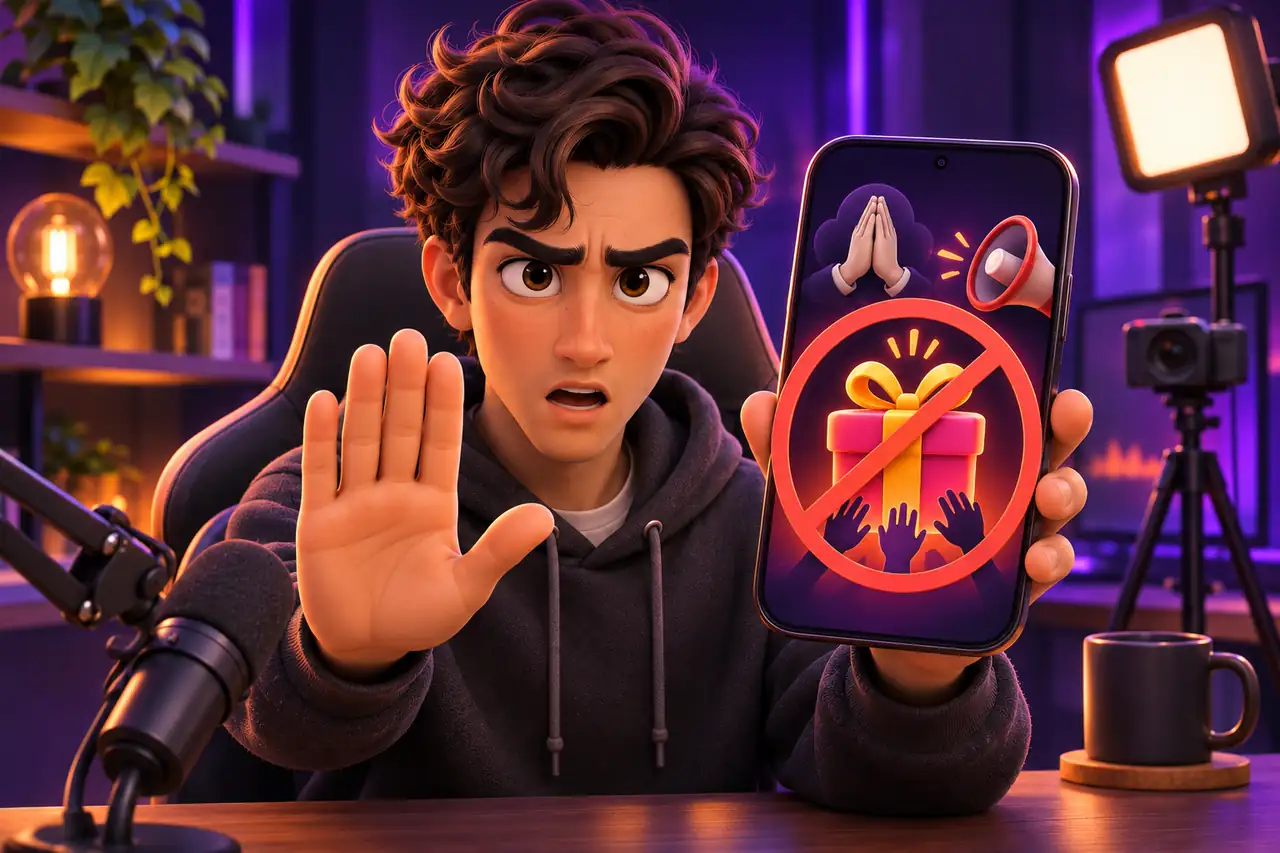
Short answer: a begging violation is asking for gifts with nothing interactive in return, with pressure, or by using personal money troubles. Collecting support over illness, debt, rent or crying falls into this group. Tie gifts to a game, a goal or a thank-you and you stay within the rules.
This guide covers what TikTok treats as begging, the common mistakes and how to reach the same goal in a rule-friendly way. Begging is also tracked under the LIVE Monetization Guidelines (LMG); rules may be updated by region. For the general rules see our TikTok LIVE Rules for Interactive Games: How to Avoid Restrictions guide.
Why TikTok limits begging
LIVE gifts exist so viewers can support content they enjoy. Gifts sent out of guilt, pity or fear go against that purpose, make viewers uncomfortable and lower the quality of LIVE overall. That is why TikTok does not treat this kind of content as eligible to earn and limits its gifts.
What counts as begging
- Repeating “send gifts” without offering any content.
- Saying you will end the LIVE, cry or that something bad will happen if no gifts arrive.
- Using rent, debt, bills or hunger as the reason for gifts.
- Asking for money for medicine, treatment or surgery in text or on screen.
- Putting an ill or disabled person on LIVE in exchange for likes and gifts.
- Emotional pressure shows such as crying, pleading or kneeling.
| Risky line | Why it is risky | Rule-friendly alternative |
|---|---|---|
| “No gifts, I'm ending the stream.” | Uses a negative outcome as pressure. | “If we hit the goal, we unlock the next level!” |
| “I can't pay my rent, please help.” | Uses a personal money need as the reason for gifts. | “Everyone who sends a Rose gets their name in the game.” |
| “Send gifts, send gifts...” | Offers no interaction in return. | “Each gift moves my character one step, let's see how far we get.” |
| “I couldn't buy my medicine, help me.” | Uses a health condition to ask for support. | Keep health topics fully separate from gift requests. |
Make your gift call rule-friendly
- 1
Decide what gifts do
Plan what each gift changes on screen: a game move, a song, a thank-you.
- 2
Make the goal fun
Link your LIVE goal to a fun reward, not to a personal need.
- 3
Remove pressure
Show the stream goes on with or without gifts; never blame viewers.
- 4
Say thank you
Name the person who sent a gift and value small gifts as much as big ones.
Why interactive games help
In interactive games every gift has a visible effect on screen. Viewers know what their gift does, and the creator runs the game instead of pleading. The gift becomes part of the fun, which removes most of the begging risk.
For games that react to gifts see TikTok LIVE interactive games, and to add them to your stream see How to Add Games to TikTok LIVE Studio.
Begging violation: frequently asked questions
Is every gift request begging?
No. Asking for gifts tied to a game, a goal or an interaction is fine. The problem is pressure, pity or endless requests with nothing in return.
What happens after a begging violation?
Gifts are usually paused and you see a notice. Repeated violations can lead to longer restrictions, and if you are in an agency it can affect that relationship too.
Can I appeal a wrong begging violation?
Yes, use the appeal entry in the notice before it expires. See our gift ban appeal guide for the steps.
Can I ask for gifts on my birthday?
Linking the celebration to a fun goal or game is usually fine. Avoid pressure lines like “it's my birthday, I'll be sad if you don't send gifts”.

Turn gifts into part of the fun
Our agency helps creators with rule-friendly gift calls and interactive game setup.