TikTok static LIVE violation: what an invalid stream is and how to avoid it
Why still or low-quality images make a TikTok LIVE invalid: the risky setups, safe alternatives, what it costs you and how to appeal a static stream decision in time.
 By AmiralFounder, StreamEmber ·
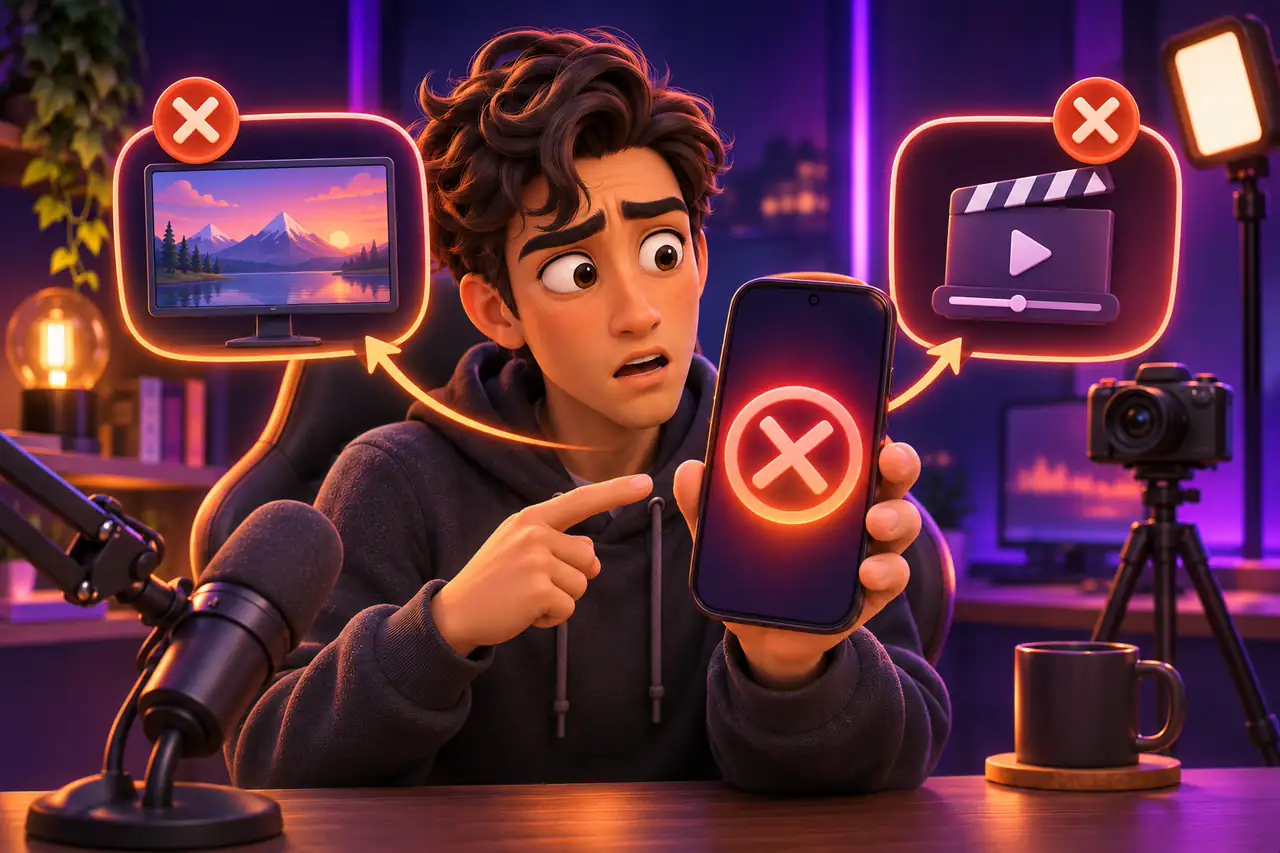
Short answer: a static LIVE is a stream with no real-time person or movement on screen: a still picture, a text screen, an empty room, a dark image or a filter that loops on its own. TikTok can treat these streams as low quality and invalid; your reach drops, the time may not count toward your streaming hours and creators in an agency can face extra consequences. The fix is simple: be in frame and move, and end the LIVE when you take a break.
This guide explains what a static stream is, which setups are risky, what to do instead and what to do if the decision is wrong. Definitions and penalties can differ by region and may be updated by TikTok; the current text is in the “Rules and guidelines” section of the app.
Why TikTok does not want static streams
Real-time interaction is the foundation of TikTok LIVE, and the platform expects streams to be real and live. Streams that are hard to watch, low quality or impossible to assess can count as “invalid”, alongside streams with no picture, still streams, streams that are not in real time (pre-recorded) and one person streaming from several accounts.
| Risky setup | Why it is a problem | Safe alternative |
|---|---|---|
| A still picture, logo or text screen | Nothing happens in real time | Be in frame yourself; show any image next to you |
| An empty room, desk or chair | No creator, no interaction | End the LIVE when you take a break |
| A dark or badly lit picture | No person or object can be seen | Use front light; turn on a lamp at night |
| A camera fixed on a view, a street or an object | No movement and no interaction | Talk, explain and move the camera while you show the view |
| A filter or animation looping by itself | There is movement but no real interaction | Use filters only while you are moving with them |
| A pre-recorded video or someone else's stream | It is not in real time | Use LIVE only for live content |
What counts as movement?
Movement does not have to mean dancing. What TikTok looks for is real-time interaction in the frame. Activities without talking still count when there is visible movement:
- Facial expressions such as smiling and reacting
- Waving, dancing, hand gestures
- Active tasks such as cooking, drawing or crafts
- Filming while walking or moving
- Interactive games driven by viewers' gifts and comments (TikTok LIVE interactive games)
If you only want to talk without being on camera, use voice chat mode instead of a video LIVE. We cover rule-friendly ways to stream without showing your face in How to Go LIVE on TikTok Without Showing Your Face.
What a static stream costs you
- Lower reach: static or black-screen streams are shown less in recommendations.
- Time may not count: an invalid stream can be removed from active-day and streaming-hour totals.
- It grows with repetition: if it keeps happening within a month, stronger consequences can follow.
- It affects your agency: if you are in an agency, repeated invalid streams can affect the agency's standing and put your relationship with it at risk.
5 habits that prevent static streams
- 1
Stay in frame
Keep your face, your hands or the activity visible throughout the stream.
- 2
End the LIVE on breaks
Do not leave a “back soon” screen; end the stream and start a new one later.
- 3
Check the light
If the picture is dark, fix the light before you go live.
- 4
Fill quiet moments
Even when nobody is writing, keep talking, explaining or doing something.
- 5
Pick voice mode when needed
If you will chat without a camera, start the stream as a voice chat from the beginning.
Static LIVE: frequently asked questions
Is it a violation if I turn off the camera and just talk?
Talking over a black or empty screen in a video LIVE is risky. If you only want audio, use voice chat mode.
Does a gaming stream count as static?
A game played in real time, with movement and your commentary, is not static. Risk appears when it sits on a waiting screen for a long time or runs by itself.
Is it a problem to step away for a few minutes?
Leaving the frame for a moment is usually fine. For a longer break, ending the stream and starting again later is the safest choice.
Are filters banned?
No. You can use filters while they move with you. A filter that stays still or repeats by itself can count as a violation.
Can a static stream lead to a gift ban?
The main result of a static stream is lower reach and the stream being counted as invalid; if the same stream has other violations, extra penalties such as gift restrictions can follow.

A live stream that stays inside the rules
Find all the rules in our guide, or join our agency for pre-stream risk checks.