Framing and visual setup for TikTok LIVE
Camera height, vertical framing, shot distance, background layout and the angles that can break the rules on TikTok LIVE. A guide to a clear, safe picture.
 By AmiralFounder, StreamEmber ·
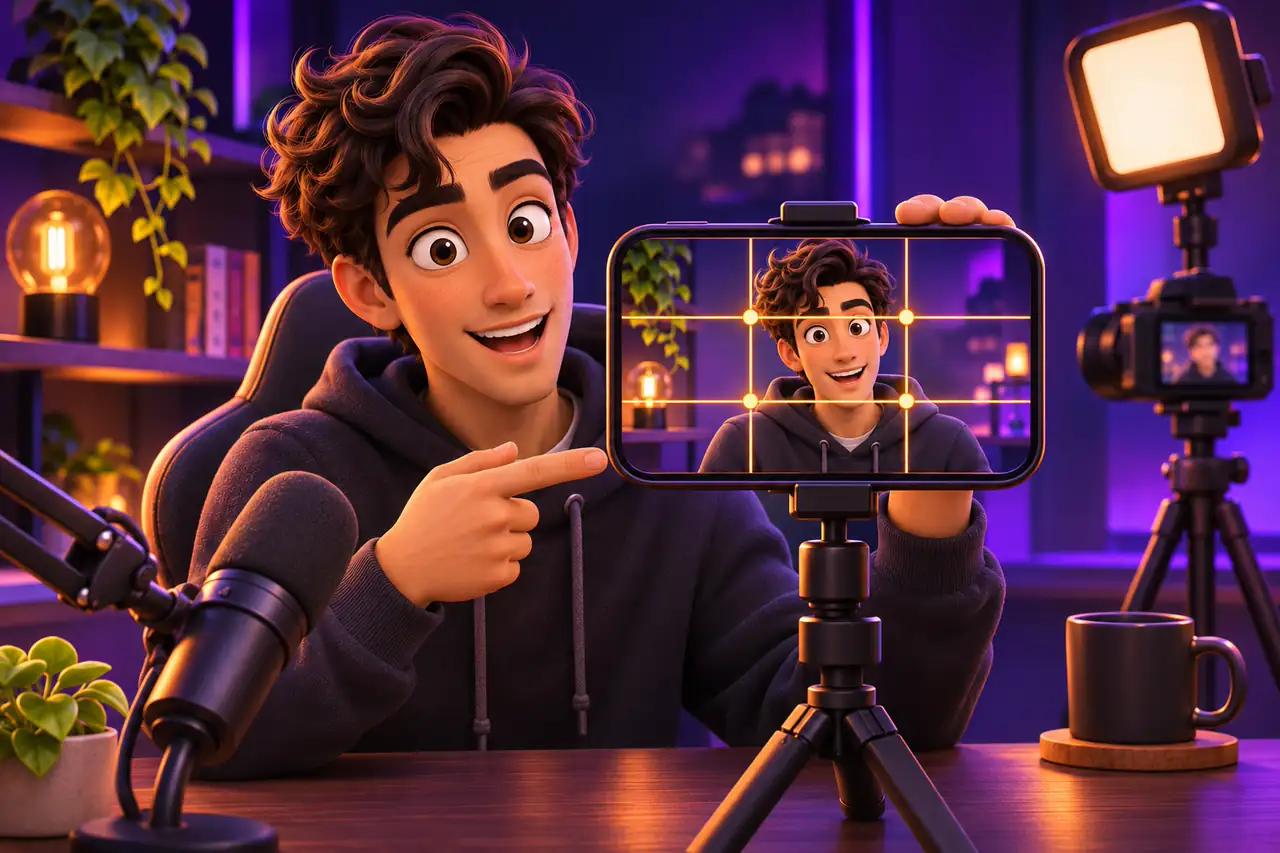
Short answer: mount your phone vertically (9:16) at eye level, frame yourself head-and-shoulders or waist up, and keep your eyes in the top third of the screen. Have a tidy background behind you that suits your content and has a little depth, and avoid angles that focus on the body or a frame that is empty or still.
This guide explains where to put the camera for a solo TikTok LIVE, which shot distance to choose, how to arrange your background and which visual mistakes hurt your stream. Lighting has its own guide; for the basics see Your first interactive stream in 5 minutes.
Why framing matters so much
Most viewers find a LIVE while scrolling the For You feed. In that first moment they see your face, your expression and the space behind you. Good framing makes you look close and approachable, keeps you clear of comments and gift animations, and tells people at a glance what the stream is about. Poor framing makes even great content look ordinary.
Shot distances
Pick the distance that fits your content. For most chat streams a chest-up or waist-up shot is the most balanced.

| Shot | What shows | Best for | Note |
|---|---|---|---|
| Close-up | Face and shoulders | Chat, ASMR, make-up | Intimate, but comments may cover your face |
| Chest-up | Head, shoulders, some hand movement | Chat, Q&A, reactions | The safest start for most creators |
| Waist-up | Upper body, hands, desk | Games, crafts, cooking, showing items | Hand gestures are easy to see |
| Full body | Head to toe | Dance, fitness, outfits | Needs wider light and more space |
A clean frame in 6 steps
- 1
Fix the phone
Do not hand-hold it; use a solid tripod or desk stand. A shaky picture tires viewers.
- 2
Vertical and at eye level
Turn the phone vertical and bring the lens to eye level. A low angle enlarges the chin; a high angle enlarges the forehead.
- 3
Eyes in the top third
Leave a little space above your head and keep your eyes in the top third of the screen.
- 4
Mind the app overlays
Comments sit at the bottom, and gift animations and the top bar appear near the edges. Keep your face and key items in the middle.
- 5
Leave space behind you
Put at least a metre between you and the wall so your shadow does not land on it and the frame gains depth.
- 6
Check the preview
Before going live, check the framing, the background and anything that should not be visible in the preview.
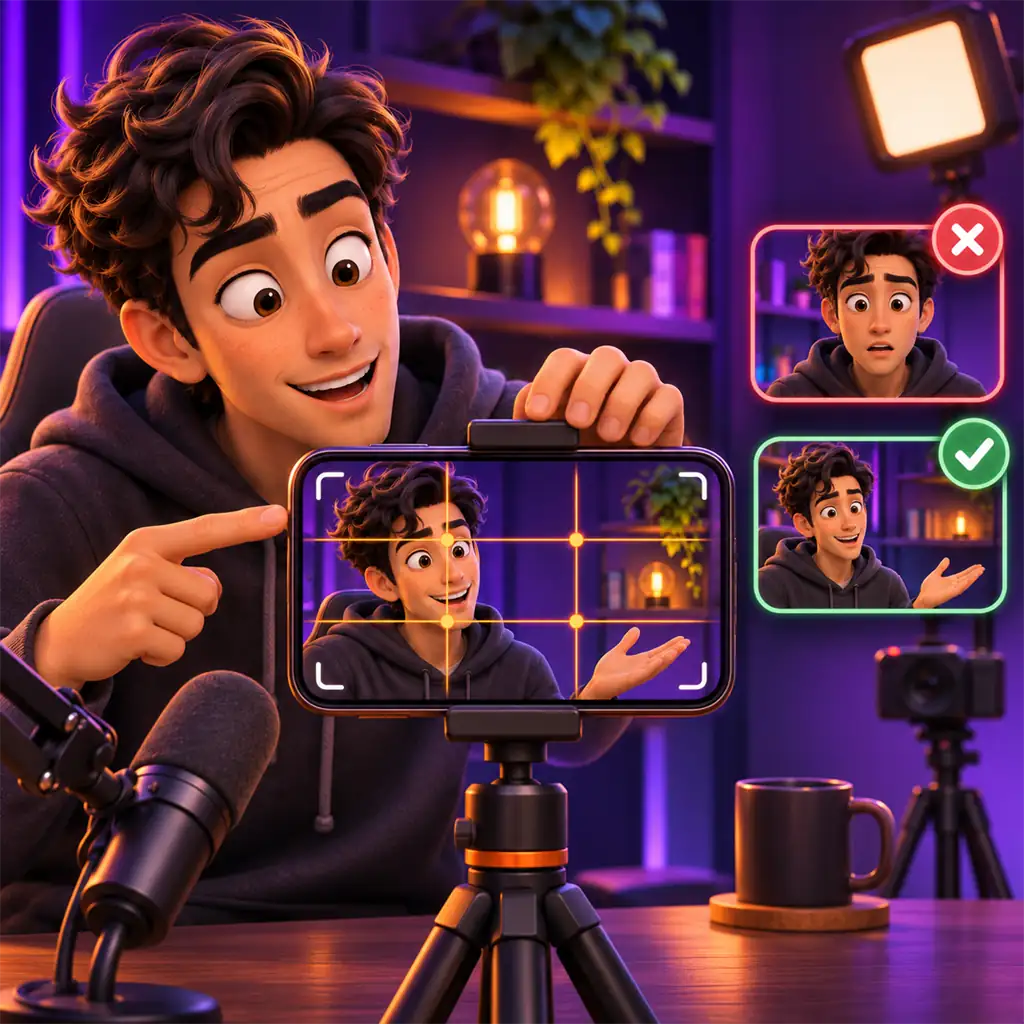
How to arrange your background
- Keep it tidy: clutter pulls attention away from you. Shelves and storage boxes keep things neat and add visual interest.
- Match your content: game-themed items for gaming streams, a warm, simple corner for chat streams.
- Choose colors on purpose: bright colors feel energetic, calm tones feel relaxed. Do not wear the same color as your background.
- Add depth: a lamp, LED strip or plant behind you looks richer than a flat wall.
- Hide personal details: no addresses, documents, open messages on screens or a recognizable view from your window.
If you stream from a computer, LIVE Studio lets you use a green screen to create a custom background. The screen needs to be wrinkle-free and evenly lit, or the edges will flicker.
Safe framing
TikTok's automated moderation looks at what is on screen, not at your intent. Angles that focus on certain parts of the body, adjusting clothes during the stream and leaving the frame empty or still for a long time can all lead to action. Interactive filters are fine as long as they move with you; a filter that loops on its own or freezes looks like a static stream. For days when you do not want to be on camera, see How to Go LIVE on TikTok Without Showing Your Face.
Common mistakes
- Holding the phone horizontally: the picture shrinks and leaves black bars.
- Laying the phone on the desk and shooting from below.
- Putting your face at the very bottom, where comments cover it.
- An open door behind you or people walking past all the time.
- Leaving the frame for long stretches in the middle of the stream.
Framing: frequently asked questions
Should a TikTok LIVE be vertical or horizontal?
Vertical (9:16) when streaming from a phone. Most viewers hold their phone upright, and a vertical picture fills the whole screen.
How far from the camera should I be?
Roughly half a metre to a metre for chat, a little further for waist-up, and far enough to fit your whole body for dance.
My background is very plain. Is that a problem?
Plain is a fine start; add a small light, a plant or a few items that fit your content so it does not look empty.
Is using filters against the rules?
No. A filter is fine as long as it moves with you; one that loops on its own or freezes can look like a static stream.
Can I step out of frame for a moment?
A brief moment is fine, but for longer breaks it is safer to end the LIVE.

Make a strong first impression
Read our first stream guide, or join our agency for one-to-one help.