Microphone, sound effects and background music for TikTok LIVE
Which microphone to use for TikTok LIVE, how to set levels, cut echo and noise, use sound effects well and add background music without copyright trouble.
 By AmiralFounder, StreamEmber ·
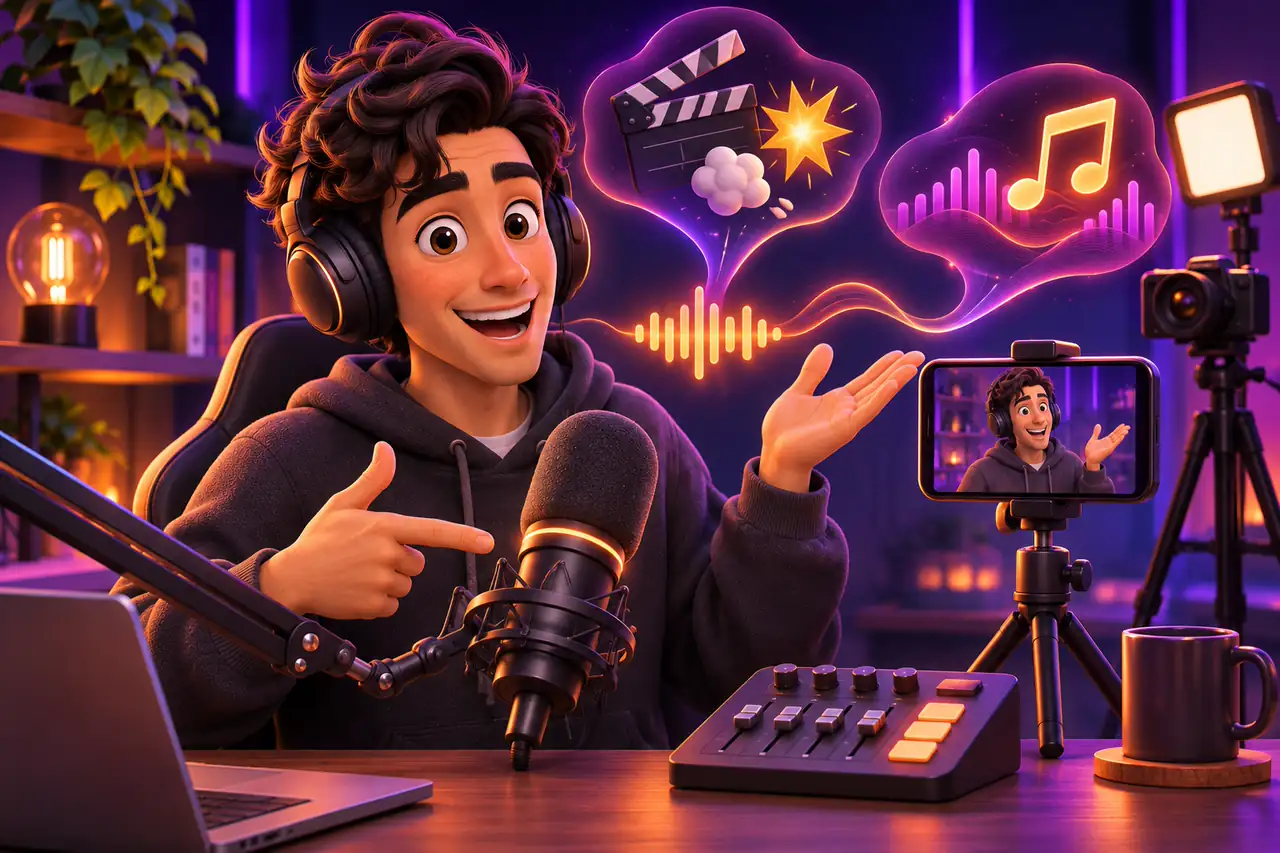
Short answer: at the start, your phone's built-in mic is enough if the room is quiet and you stay close to the phone. The biggest audio upgrade is a cheap lavalier or USB microphone. Keep background music clearly below your voice, use sound effects sparingly and only play music you have the right to use.
This guide covers choosing a microphone for a solo TikTok LIVE, setting levels, dealing with echo and noise, using sound effects and adding background music. If you are just starting out, read Your first interactive stream in 5 minutes first.
Why sound matters as much as video
Viewers forgive average video, but they do not forgive crackling, echoing or very quiet sound. In a LIVE, chat, greetings and thank-yous all happen through your voice; if people cannot hear you easily, they stop typing too. Clean audio makes the stream feel professional and keeps people watching longer.
Types of microphone
Not every mic suits every room. Choose by your space and the kind of content you make.
| Microphone | Best for | Strength | Watch out |
|---|---|---|---|
| Phone mic | First streams, quiet room | Free, no setup | Sound drops with distance and picks up room echo |
| Lavalier mic | Chat, moving around, phone streaming | Cheap, fixed distance to your mouth | Clothing rustle; battery on wireless models |
| USB condenser | Desk streams in a quiet room | Full, clear sound | Also picks up keyboard, fan and room noise |
| Dynamic mic | Noisy rooms, gaming, singing | Rejects background noise well | Must be used close to the mouth |
| Shotgun mic | Dance, full-body shots, no mic in frame | Directional pickup from a distance | Must be aimed well; echo depends on the room |
Clean LIVE audio in 6 steps
- 1
Quiet the room
Close the window, turn down fans and air conditioning and mute notifications. Soft surfaces like rugs, curtains and cushions cut echo.
- 2
Place the mic well
Keep a desk mic 15–20 cm from your mouth; clip a lavalier mid-chest where clothing will not rub it.
- 3
Test the level
Try your loudest laugh or shout. If it does not distort and normal speech is easy to hear, the level is right.
- 4
Listen with headphones
Monitor the stream on headphones; sound from a speaker loops back into the mic and causes echo.
- 5
Lower music and effects
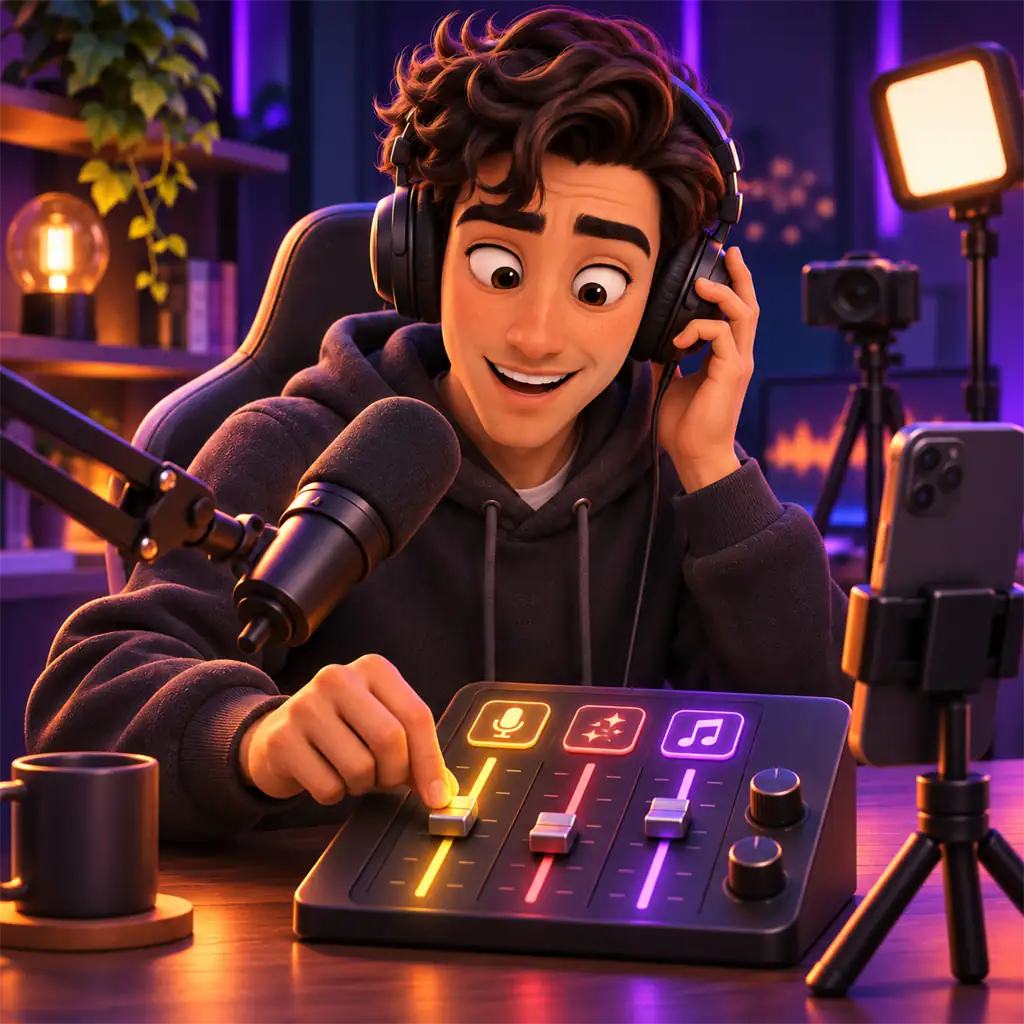
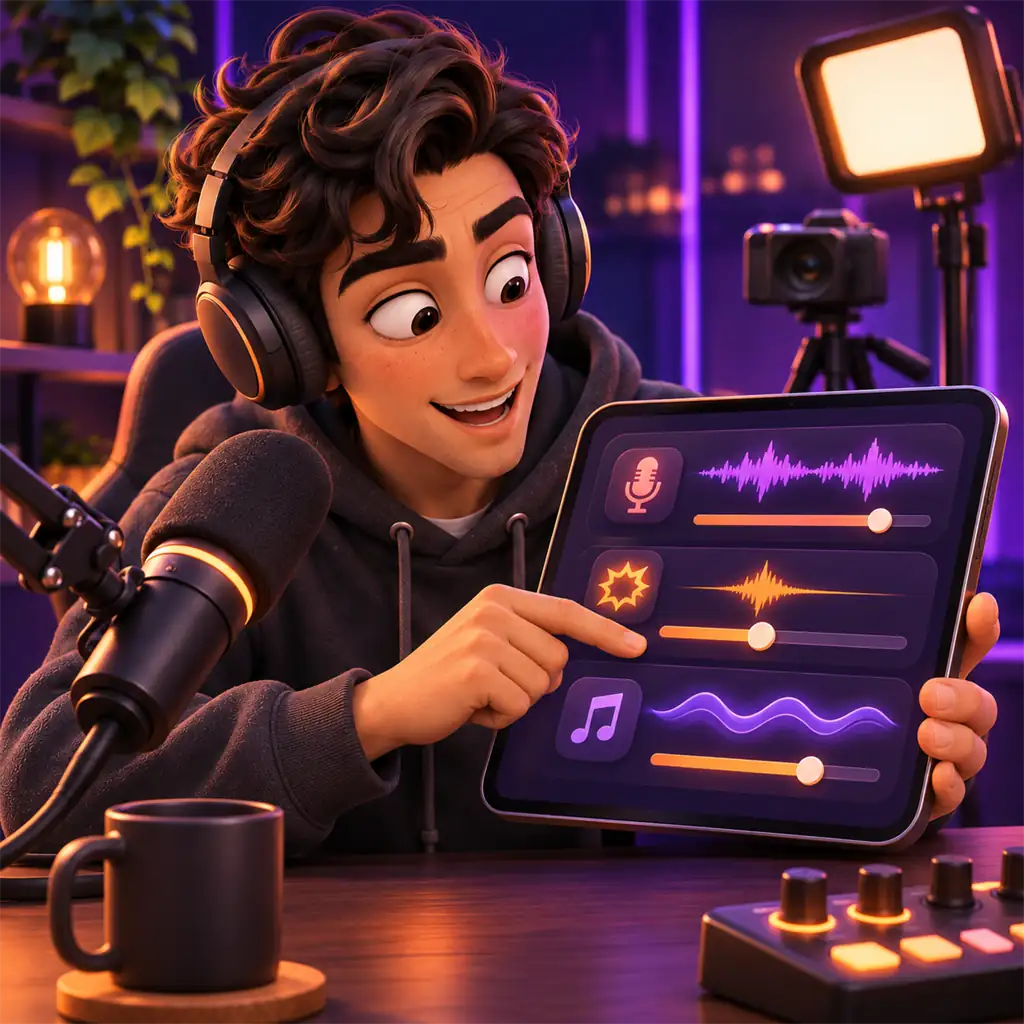
Music should be low enough that your voice stays clearly on top. Keep effects a little above the music but below your voice.
- 6
Record a short test
Record one minute and play it back on a phone speaker; that is how most viewers will hear you.
When to use sound effects
Sound effects add pace to a stream, but too many are tiring. They work best at these moments:
- A short jingle when you welcome a new viewer.
- A familiar sound when you thank someone for a gift or support.
- At transitions, from chat to a game or from a game to a PK battle.
- Quick effects for wins, losses or surprises in a game.
Do not play the same effect several times a minute; viewers will mute you or leave. Aim for effects that people recognize as your signature. In interactive games such as TikTok LIVE interactive games, the game's own sounds often do this job, so balance your music and effects against the game audio.
Background music
Light music fills quiet moments and sets the mood. Instrumental or calm tracks sit better under conversation. Keep the music clearly below your voice; viewers should never have to work to understand you. If you stream from a computer, LIVE Studio or OBS lets you mix music, mic and effects as separate sources; see TikTok LIVE Studio vs OBS for Game Streams for the differences.
Quick fixes for echo and noise
- Echo: add soft furnishings, do not face a bare wall, move closer to the mic.
- Hum or buzz: swap the cable or adapter, unplug the charger while live.
- Popping on p and b sounds: add a foam cover or pop filter and speak slightly off-axis.
- Echo with guests: ask your guests to wear headphones.
- Uneven volume: test the phone's voice enhancement and noise reduction options and keep whichever sounds best.
LIVE audio: frequently asked questions
Is my phone's built-in mic good enough?
In a quiet room, close to the phone, it is fine to start with. If you move away or the room echoes, an external mic makes a clear difference.
Which mic should I buy on a small budget?
If you stream from a phone, a lavalier that fits your phone. If you stream from a computer in a noisy room, a USB dynamic mic.
How loud should background music be?
Low enough that your voice stays clearly on top. If you can easily tell your voice from the music in a test recording, the level is right.
Can I play any song on my LIVE?
Music you do not have the rights to carries a risk of action. Use royalty-free or licensed music; rules can change by region and over time.
Why do viewers hear an echo?
Usually speaker sound is looping back into the mic, or the room is bare. Use headphones, add soft furnishings and move closer to the mic.

Make sure they hear you clearly
Read our LIVE Studio vs OBS comparison for streaming from a computer, or join our agency.