Lighting setup for a solo TikTok LIVE
Where to place key, fill and back light for a solo TikTok LIVE, ring light or softbox, the right color temperature and the most common lighting mistakes.
 By AmiralFounder, StreamEmber ·
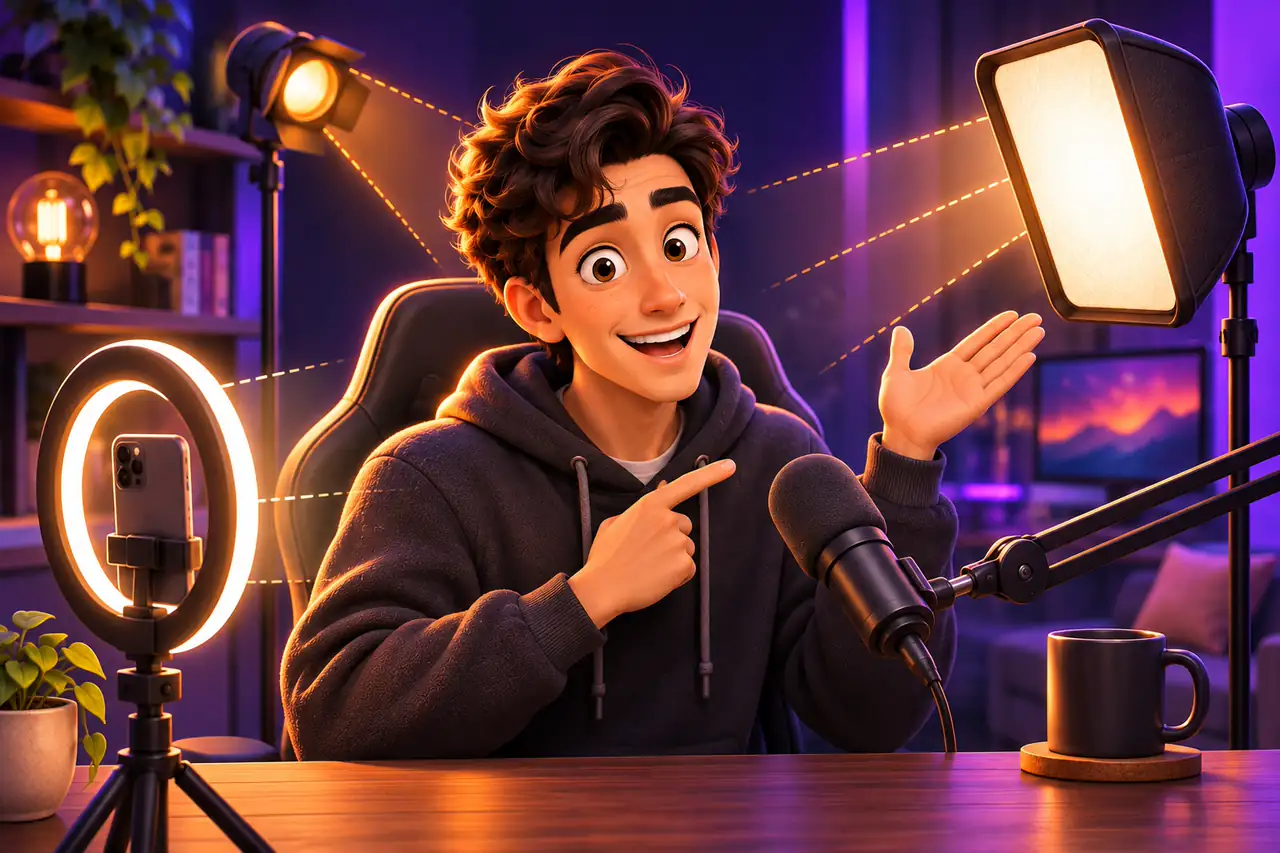
Short answer: for a solo TikTok LIVE you need one soft main light slightly above eye level and to one side of the camera, a weaker fill light on the other side to soften shadows, and a small light behind you to separate you from the background. Keep every light at the same color temperature and never sit with a bright window behind you.
This guide shows where to place lights in a small room for a one-person stream, what each light does and how to fix the most common problems. If you are just starting out, read Your first interactive stream in 5 minutes first.
Why lighting matters more than the camera
Viewers decide in a second or two whether to stay. A well-lit face looks sharper, more natural and more trustworthy, even on a mid-range phone. When light is poor, the camera raises its sensitivity: the image gets noisy, movement blurs and skin tones turn grey. A dark or unclear picture can also make your stream look static or low quality. Good light is the cheapest upgrade you can make.
The role of each light
Studio lighting is built on a few simple roles. You do not need all of them on day one, but knowing them helps you decide what to buy next.

| Light | Where | What it does | Budget option |
|---|---|---|---|
| Key light | 30–45° to one side of the camera, slightly above eye level | The main light that shapes your face | Ring light or a small LED panel with a diffuser |
| Fill light | Opposite side, at lower power | Softens the shadows left by the key light | White wall, foam board or a second small LED |
| Back / hair light | Behind you, above head height | Separates you from the background and adds depth | Small LED bar or lamp aimed at your shoulders |
| Background light | On the wall or shelves behind you | Sets the mood and fills dark empty areas | LED strip, string lights, smart bulb |
| Top light | In front and above | Wide, even light for dance and full-body shots | Ceiling softbox; not straight down on your face |
Set up a solo LIVE in 6 steps
- 1
Pick your spot
Face the window or a plain wall; never put the window behind you. Leave at least a metre between you and the back wall.
- 2
Place the key light
Put it 30–45° to one side of the phone, a little above eye level, tilted slightly down towards your face.
- 3
Add fill
On the other side use a weaker light or a white surface that bounces light back. Shadows should soften, not disappear.
- 4
Separate from the background
Add a small light behind you or light up the wall so you do not blend into the dark.
- 5
Match the colors
Set every light to the same color temperature, for example neutral white around 4000–5000K, and switch off warm room bulbs.
- 6
Check on the phone
Before going live, check skin tone, eye reflections and shadows in the camera preview.

Ring light or softbox?
A ring light is easy, small and cheap; it lights the face evenly and leaves a round catchlight in the eyes. Its weak points are a flat look and strong reflections on glasses. A softbox or an LED panel with a diffuser gives softer, more natural light with shape, but it takes more space. For a desk stream a ring light is a fine start; when you can, make a panel your key light and move the ring to fill.
Common mistakes
- A window or bright lamp behind you turns you into a silhouette.
- Light straight from above makes your eye sockets dark.
- A light that is too close and too strong makes skin shiny and loses detail.
- Mixing warm room bulbs with cool LED light.
- A dark background with nothing lit makes the frame look empty.
- Ring light reflections in glasses: raise the light or tilt it to the side.
Lighting for different content
Chat and gaming streams need soft light on the face and a lit background. Dance and full-body content needs wider, even light, usually from the front and above, plus a low light so your legs are not left in the dark. For interactive game streams like TikTok LIVE interactive games, keep the face light soft and make sure a bright monitor is not lighting your face.

LIVE lighting: frequently asked questions
What is the cheapest good lighting setup?
A daylight window in front of you plus a white foam board as fill. Add one ring light or LED panel when you can.
Where should a ring light go?
Behind or just above the phone, at eye level or slightly higher. Move it a little to one side for a more natural look.
Which color temperature is best?
Neutral white around 4000–5000K suits most skin tones. Match all your lights and keep the same setting every stream.
Can bad lighting hurt my LIVE?
Yes. A dark or unclear image lowers watch time and can be treated as low-quality content. Make sure you are clearly visible.
Do I need a separate background light?
Not on day one, but a small LED strip or lamp makes the frame look deeper and more professional.

Look your best on every LIVE
Read our first stream guide, or join our agency for one-to-one setup help.