TikTok LIVE equipment list by budget
Entry, mid and advanced TikTok LIVE gear: camera, light, mic, stand and internet. Which tier fits you and the order to upgrade so every purchase counts.
 By AmiralFounder, StreamEmber ·
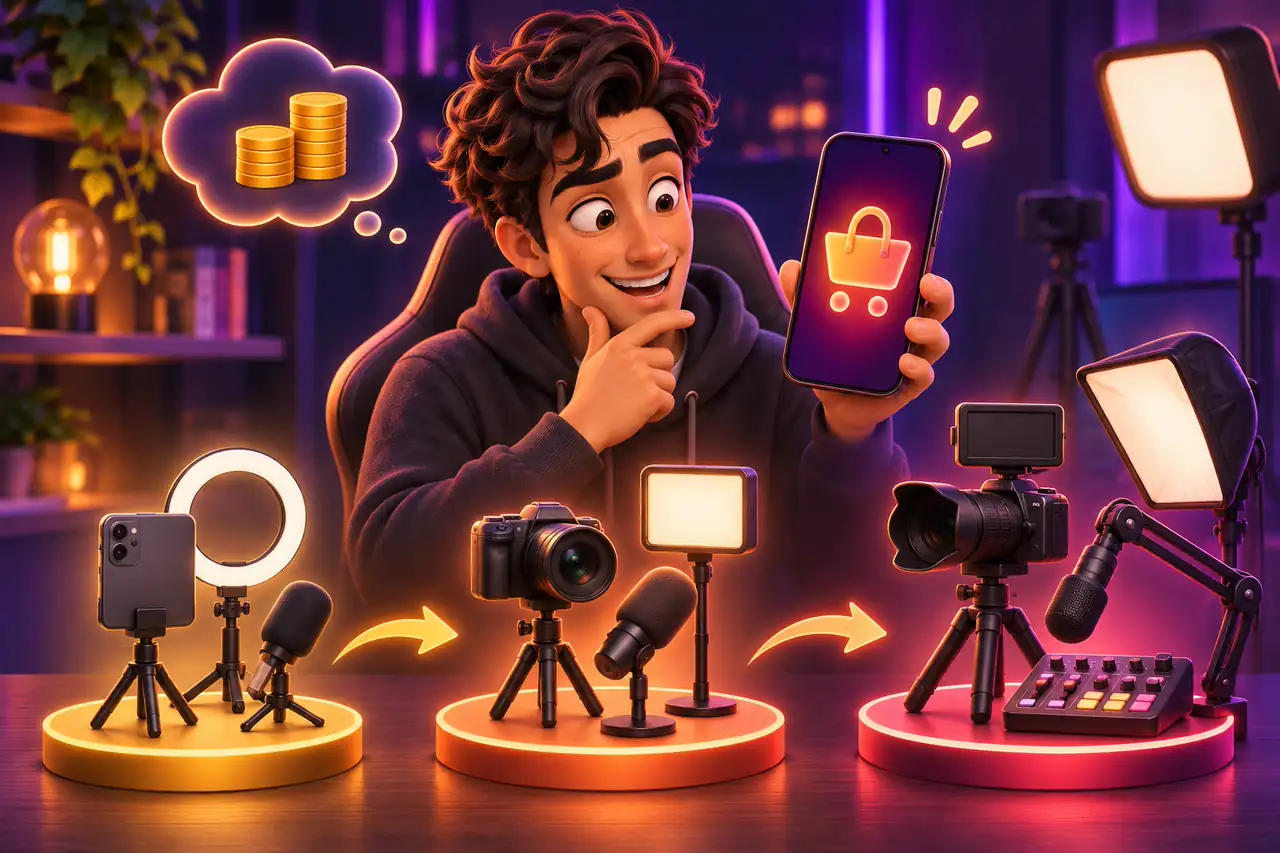
Short answer: to start on TikTok LIVE you only need a good phone, a solid stand, one light and a stable internet connection. Spend first on light and sound; a camera upgrade comes last. A computer, capture card and separate camera only make sense once you stream regularly and your content needs them.
This guide compares gear across three tiers, entry, mid and advanced, so you can decide which one fits you. We do not list brands or prices, because models and prices vary a lot by region. For setup details, see Your first interactive stream in 5 minutes.
The three tiers at a glance
Entry is for creators starting out with a phone at home. Mid suits people who stream regularly and want a clear jump in picture and sound. Advanced is for creators who stream from a computer with LIVE Studio, use several sources or cameras, or make gaming and studio-style content.
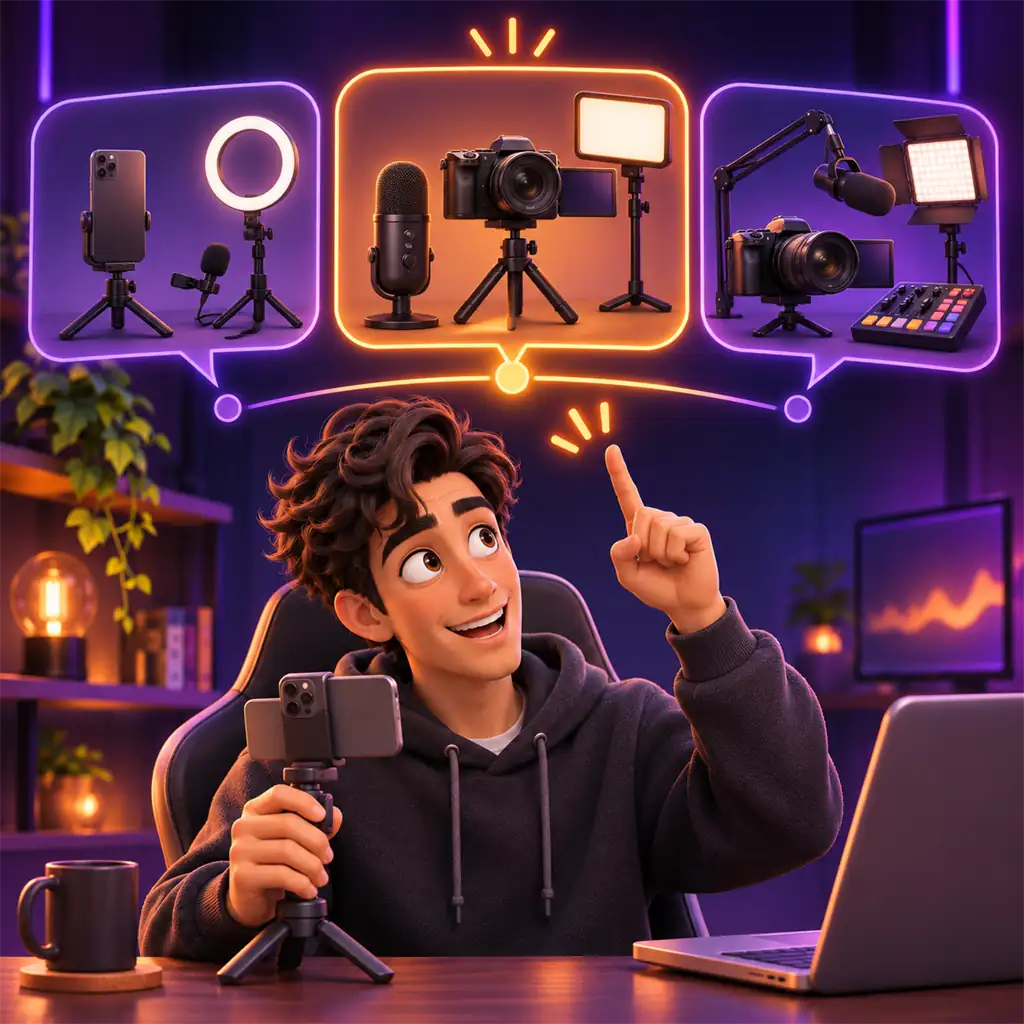
| Gear | Entry | Mid | Advanced |
|---|---|---|---|
| Camera | Your current phone's rear camera | A newer phone or a second phone kept for streaming | Mirrorless camera or webcam + capture card |
| Stand | Height-adjustable phone tripod | Sturdy floor stand + vertical mount | Arm or several stands for multi-camera, gimbal if needed |
| Light | Window light + ring light | Diffused LED panel or softbox + fill + LED strip | Full set of key, fill, back and background light |
| Microphone | Phone mic | Wired or wireless lavalier | USB or XLR dynamic/condenser + audio interface |
| Monitoring | Any earphones | Closed over-ear headphones | Studio headphones |
| Software | TikTok app | TikTok app or LIVE Studio | LIVE Studio or OBS + computer |
| Internet | Stable Wi-Fi close to the router | 5 GHz Wi-Fi or cable, mobile data as backup | Wired connection, high upload speed, backup line |
| Power | Charger within reach | Long cable or power bank | Uninterrupted power, dummy battery for the camera |
| Background | A tidy corner of your room | Themed corner, shelves, plants, LED | Green screen or a built set |
Which tier is right for you?
- You stream a few times a week from your phone at home: entry is enough. Build the habit first.
- You stream daily or at fixed times and your audience is growing: moving to mid makes sense.
- You stream PC games, use a multi-source scene, interactive games or several cameras: advanced needs a computer and LIVE Studio.
- Before you buy gear, check the access requirements; see How to Get TikTok LIVE Access: Requirements and LIVE Studio.
Where should the money go?
For the same budget, light and sound make the biggest difference. An expensive camera in a badly lit room still looks ordinary, while a phone with good light can look surprisingly good. Internet is often overlooked too: a stream that freezes or drops makes even the best gear pointless. Test your upload speed at the time you usually stream and use a wired connection when you can.
The right upgrade order
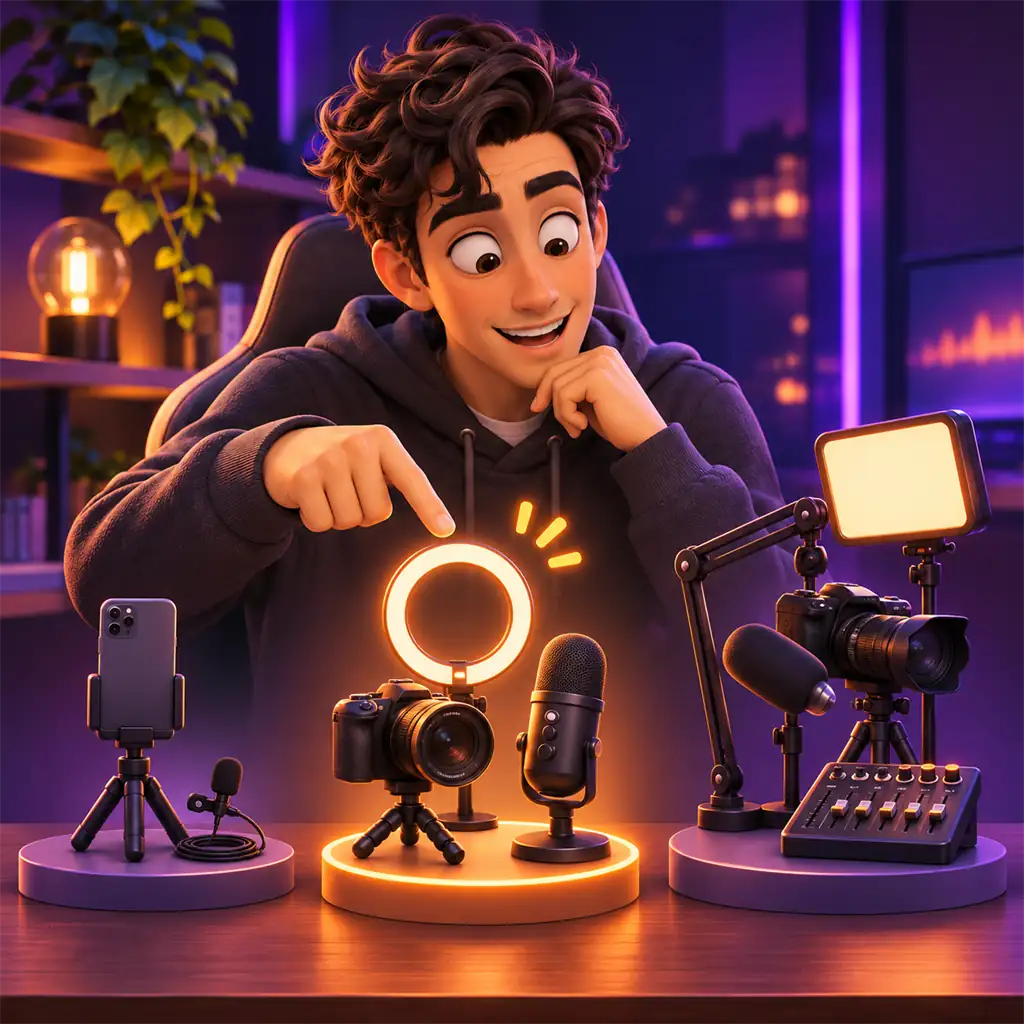
At each step, fix the problem left by the previous one; do not change several things at once.
- 1
A steady stand
Fixes a shaky or tilted picture from day one and is the cheapest upgrade.
- 2
A key light
The single step that improves a phone camera the most.
- 3
An external mic
A lavalier makes your voice clear and cuts room echo.
- 4
Internet and power
A wired line or strong Wi-Fi plus constant charging stops drops in long streams.
- 5
Background and extra lights
Fill, back light and a styled corner add depth to the picture.
- 6
Computer and camera
The last step, when your content needs LIVE Studio, games or multiple sources.
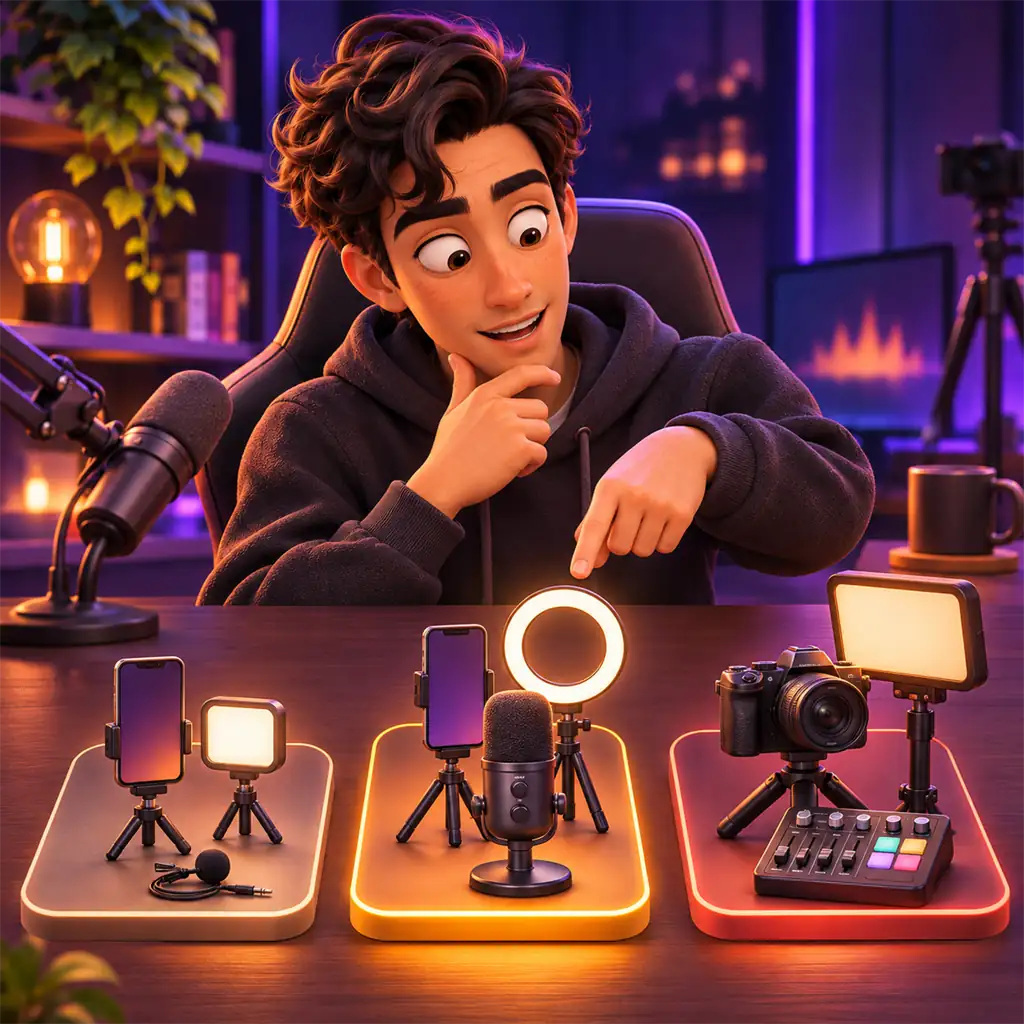
Gear: frequently asked questions
Do I need an expensive phone for TikTok LIVE?
No. A mid-range phone from the last few years is enough with good light and a stable connection.
Should I buy a light or a mic first?
If your room is dark, the light; if it echoes or is noisy, the mic. For most creators light makes the bigger difference.
How much internet speed do I need?
Upload speed and stability matter most. Test at your streaming time; if it dips, move closer to the router or use a cable.
What computer do I need for LIVE Studio?
A recent processor, enough memory and ideally a dedicated graphics card. If you stream games, it must handle the game and the stream together.
Is second-hand gear a good idea?
Often yes for stands, lights and cameras. For mics and headphones, do not buy without testing that they work.

Start with the right gear
Read our LIVE Studio vs OBS comparison before moving to a computer, or join our agency.