Your first TikTok LIVE: a pre-stream checklist
A step-by-step checklist for your first TikTok LIVE: account, space, light, sound, rules and a run plan, plus what to do on stream day and right after you end.
 By AmiralFounder, StreamEmber ·
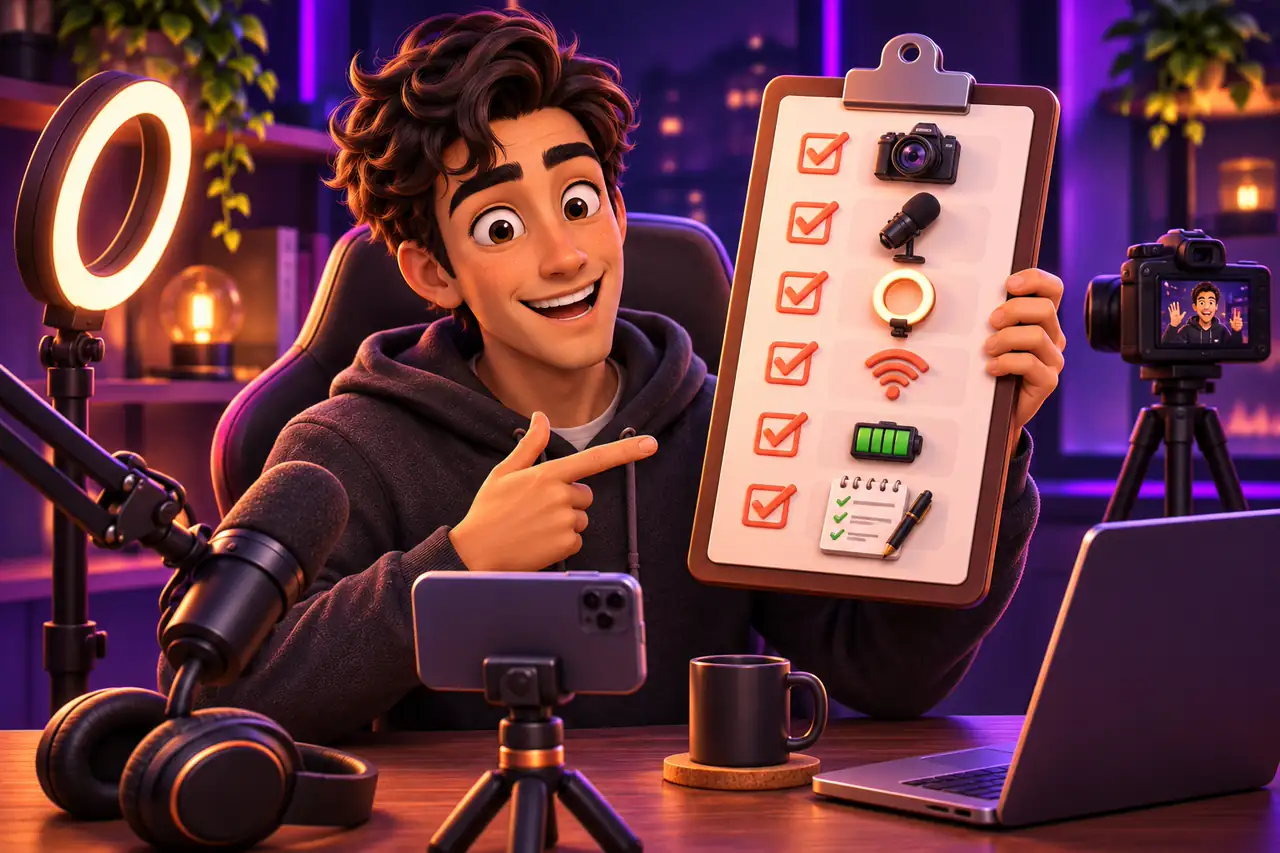
Short answer: before your first LIVE, get five things ready: an eligible account, a clean and well-lit space, clear sound, a working knowledge of the rules and a simple plan in your head. The stream does not need to be long; the goal is a smooth, rule-friendly and warm first experience.
This page is a checklist you can tick off before and during the stream. If you want a more detailed walk-through of the stream itself, read Your first interactive stream in 5 minutes. Rules can differ by region and may be updated by TikTok.
1. Account and access
- Can you see the LIVE button? If not, see How to Get TikTok LIVE Access: Requirements and LIVE Studio.
- Do you meet the age requirement to receive gifts? Is the birth date on your account correct?
- Do you have a profile photo, a short bio and a few videos that show what you will stream?
- Is your username easy to read and search for?
- Is two-step verification on? Account security also protects your LIVE income.
2. Space, light and sound
- Does the light come from the front? A window or ring light should face you, not sit behind you.
- Is the background tidy and in line with your content? Clutter is distracting.
- Is the phone on a steady holder, framing you at face and shoulder level?
- Is the room quiet? Check for TV, fan and echo; a simple clip-on mic helps a lot.
- Is your internet strong? If Wi-Fi is weak, move closer to the router.
- Is the phone fully charged? Turn off notifications and switch on do-not-disturb.
| Area | Do | Avoid |
|---|---|---|
| Picture | Be in frame, move, talk | An empty, dark or still screen |
| Clothing and angle | Everyday clothes, camera at face level | Body-focused angles, adjusting clothes on stream |
| Gifts | Thank people, show a goal | Pressure, crying, debt or charity stories |
| Setting | Home, studio, a safe outdoor spot | Streaming while driving, smoking and alcohol |
| Content | Your own or licensed music | Re-streaming someone else's LIVE or a film |
3. The rules
The most common first-stream mistake is going live without knowing the rules. The table above sums up the basics. For every topic, read TikTok LIVE Rules for Interactive Games: How to Avoid Restrictions; for the most common penalty, read TikTok LIVE gift ban: why it happens and how to appeal.
4. A simple run plan
You do not need a script, but have a beginning, a middle and an ending in mind. Viewers leave a silent stream quickly.
A sample flow for your first LIVE
Times are examples; adapt them to your style.
Introduce yourself
Say who you are and what this stream is about in a sentence or two. Greet people by name as they arrive.
Do the activity
Chat, music, a game or a Q&A; ask viewers questions often.
A small game or poll
Add something simple viewers can join; recap the topic for newcomers.
Thank people and set a date
Thank supporters, say the day and time of your next stream, then end the LIVE.
After the stream
- 1
Check notifications
If a warning or violation notice arrived, read it right away; appeal in time if needed.
- 2
Look at your stats
Viewers, watch time and new followers; at which moments did people join or leave?
- 3
Take notes
Write down one thing that worked and one thing to improve.
- 4
Post a short video
A short moment from the stream or an announcement for the next one introduces you to new viewers.
First LIVE: frequently asked questions
How long should my first LIVE be?
There is no fixed length. Thirty to sixty minutes is a good start: long enough for viewers to find you, short enough to stay relaxed.
What if nobody watches?
That is very normal. Keep talking and moving; the first viewers often arrive after a few minutes. Regular streaming brings viewers over time.
Do I need expensive equipment?
No. A decent phone, front light, a steady holder and a quiet room are enough to start.
Should I stream from my phone or a computer?
A phone is enough for chat and everyday streams. For gaming or multi-source streams, a computer with LIVE Studio fits better.

Let's prepare your first LIVE together
Creators in our agency get a one-to-one check and rule support before their first stream.